
Best IPTV App for Apple TV in 2026: 5 Players Compared
On this page
- What to look for in an IPTV app on Apple TV
- The 5 best IPTV apps for Apple TV, compared
- So, which is the best IPTV app for Apple TV?
- The best IPTV app for Apple TV, by type of viewer
- Free vs. paid: is a paid IPTV app worth it on Apple TV?
- How to set up an IPTV app on Apple TV
- Getting the best playback on Apple TV
- Common questions about IPTV on Apple TV
- What about the Apple TV's built-in apps?
- Our take
Picking the best IPTV app for Apple TV matters more than most people expect. The Apple TV 4K is one of the smoothest streaming boxes you can buy, but TiviMate, the favorite player on Android TV, isn't available on tvOS. So Apple TV owners have to choose from a different set of apps, each with its own strengths. We set up IPTV on Apple TVs for customers every week, and this guide compares the five players we see most often, what they're good at, and which one we'd pick for different kinds of viewers.
A quick note before we start: we're an IPTV provider, not an app developer. We don't earn anything from any of these apps, and all of them work with our service. App features and prices change, so check the App Store listing for the current details before you buy.
What to look for in an IPTV app on Apple TV
An IPTV player doesn't come with channels. It connects to your provider's playlist and turns it into something you can navigate with the Siri Remote. When comparing apps, these are the things that matter day to day:
- Login options: Xtream Codes support is the easiest; M3U links work too.
- TV guide (EPG): a full grid guide feels most like cable.
- Playback: smooth 4K and fast channel switching.
- Remote-friendliness: how easy it is to use with the Siri Remote.
- Price model: free, one-time purchase or subscription.
- iCloud sync: handy if you also watch on iPhone or iPad.
The 5 best IPTV apps for Apple TV, compared
| App | Best for | Guide | Price model |
|---|---|---|---|
| iPlayTV | Cable-style live TV | Full grid | Paid (check App Store) |
| UHF | A modern, polished interface | Grid and list | Free with optional upgrade |
| IPTVX | A streaming-app look and feel | Grid and list | Subscription for full features |
| Smarters Player Lite | Simple setup, free | Per channel | Free |
| GSE Smart IPTV | Power users and many formats | Grid | Free with in-app purchases |
1. iPlayTV
iPlayTV is the app we recommend most often to people switching from cable. Its guide looks and works like a traditional TV guide, channel switching is quick, and it supports Xtream Codes logins, so setup takes a couple of minutes. It's a paid app, but many users consider it the closest thing to TiviMate on Apple TV.
Good for: live TV fans who want a cable-like grid. Less good for: people who mostly watch on-demand movies and series.
2. UHF
UHF has one of the most modern interfaces of any IPTV player on tvOS. It handles live TV, the guide and on-demand content cleanly, and it syncs with the iPhone and iPad versions. The free version is usable; the paid upgrade adds extra features.
Good for: households that watch on several Apple devices. Less good for: people who want the most cable-like guide.
3. IPTVX
IPTVX focuses on presentation: it makes your library look like a premium streaming service, with artwork, rich details and a polished layout on Apple TV, iPhone, iPad and Mac. Full features require a subscription to the app.
Good for: movie and series fans who care about looks. Less good for: anyone who wants a free or one-time-purchase app.
4. Smarters Player Lite
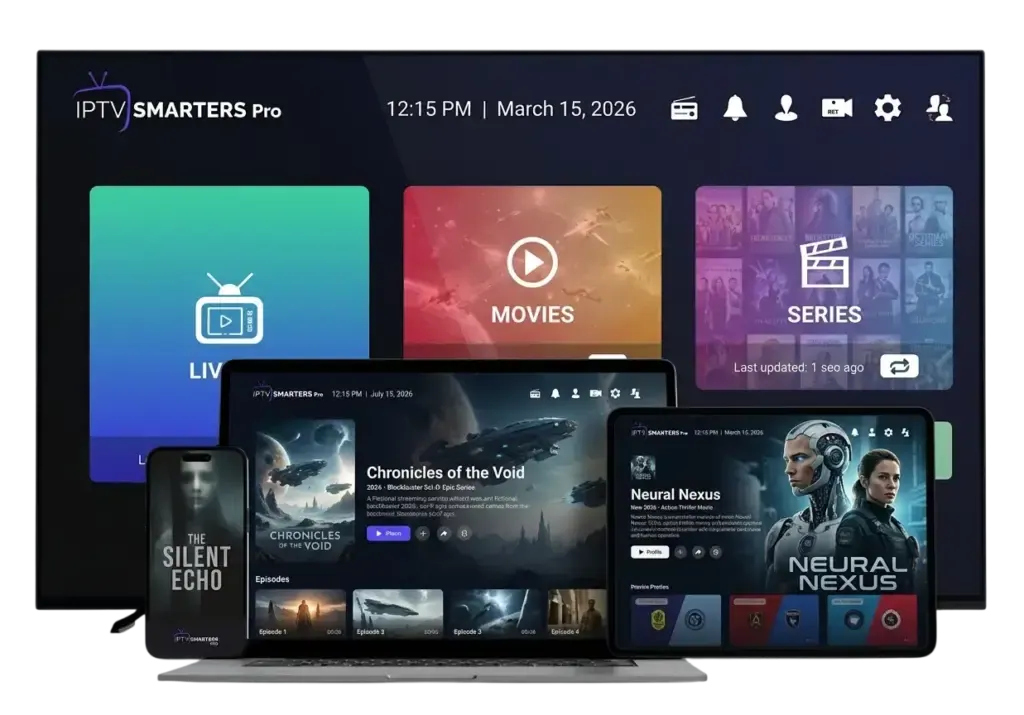
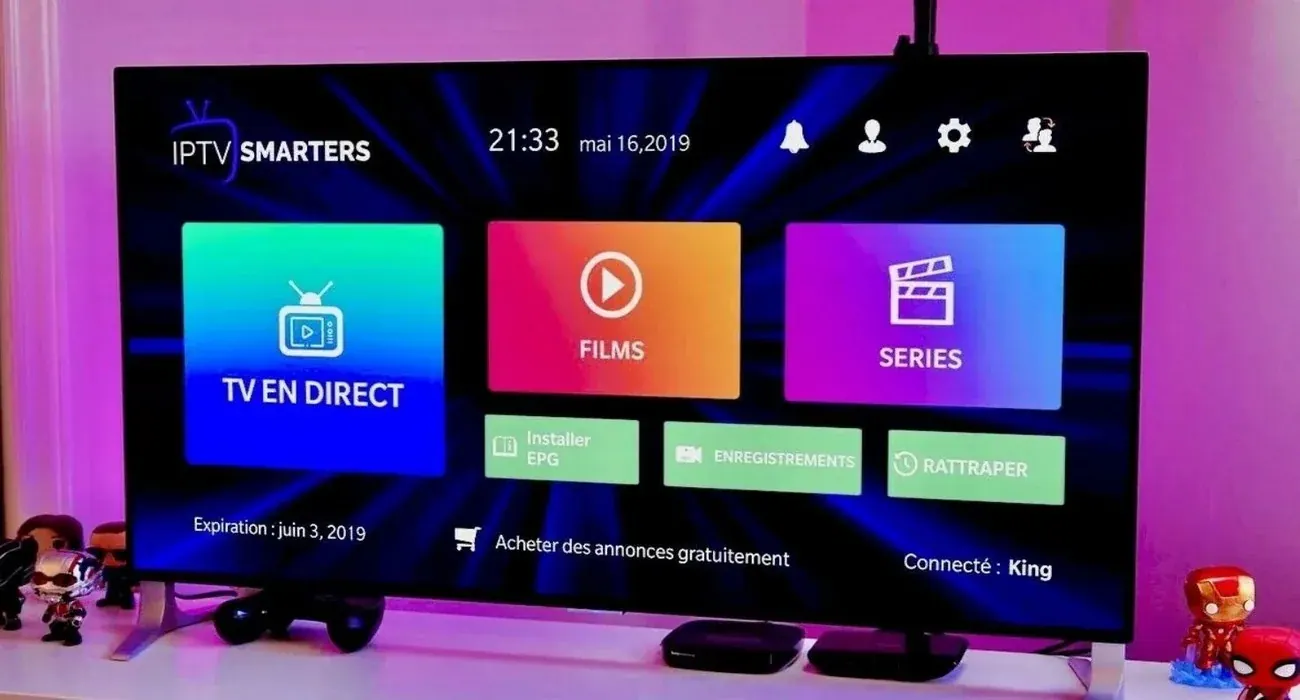
Smarters Player Lite is the Apple version of the IPTV Smarters player many people know from Android and Fire TV. It's free, easy to set up with Xtream Codes, and splits content into Live TV, Movies and Series. The guide is more basic than iPlayTV's grid.
Good for: a free, simple start. Less good for: heavy live-TV viewers who rely on the guide.
5. GSE Smart IPTV
GSE Smart IPTV has been around for years and supports a wide range of playlist formats and settings. It's powerful, but the interface feels older and less intuitive with the Siri Remote.
Good for: tinkerers who like settings. Less good for: family members who just want to press play.
So, which is the best IPTV app for Apple TV?
The best IPTV app for Apple TV depends on how you watch:
- Mostly live TV and sports: iPlayTV.
- A mix of live TV and on-demand across Apple devices: UHF.
- Mostly movies and series, with a premium look: IPTVX.
- Free and simple: Smarters Player Lite.
If you're not sure which is the best IPTV app for Apple TV in your living room, start with the free option, then move to iPlayTV or UHF once you know what you like. Your IPTV login works in all of them, so switching apps doesn't cost you anything but a few minutes.
The best IPTV app for Apple TV, by type of viewer
Another way to choose is to start with who's watching:
- The sports fan: iPlayTV. The grid guide makes it easy to see what's on across channels, and switching is quick.
- The movie night family: UHF or IPTVX, which make the on-demand library look and feel like a streaming service.
- The first-time IPTV user: Smarters Player Lite. It's free, and its Live TV, Movies and Series menus are easy to understand.
- The tinkerer: GSE Smart IPTV, for its long list of settings and formats.
- The grandparent: iPlayTV with a short favorites list, set up by someone else, so there's nothing to learn beyond the remote.
Free vs. paid: is a paid IPTV app worth it on Apple TV?
If you watch a few hours a week, a free app like Smarters Player Lite is often enough. If you watch every day, the best IPTV app for Apple TV is usually a paid one, because paid apps tend to offer better guides, smoother channel switching and regular updates. Compared with the price of the Apple TV itself, a one-time purchase or a small app subscription is a modest cost for something you'll use every evening.
Whichever you pick, remember that the app and the IPTV service are separate purchases. The app is the player; the service provides the channels, guide and library. Changing one doesn't require changing the other, so trying a couple of apps before settling on the best IPTV app for Apple TV in your home costs nothing but a few minutes.
How to set up an IPTV app on Apple TV
- Install the app. Open the App Store on your Apple TV, search for the app, and install it.
- Add a playlist. Look for "Add playlist," "Add source" or "Add user," and choose Xtream Codes if it's offered.
- Enter your login. Type the server URL, username and password. When the keyboard appears, your iPhone may offer to type for you, which is much faster than the Siri Remote.
- Wait for the channels and guide to load. This usually takes under a minute.
- Add favorites so your top channels are one click away.
Apple's own Apple TV User Guide covers the basics of installing apps and using the remote if you're new to tvOS.
Getting the best playback on Apple TV
- Use Ethernet if your model has it. The Apple TV 4K Wi-Fi + Ethernet model has a built-in port, and it's the most reliable way to stream live TV.
- Turn on Match Content. In Settings › Video and Audio › Match Content, enable Match Dynamic Range and Match Frame Rate for a more natural picture.
- Check your internet speed. The FCC's broadband speed guide lists about 25 Mbps for 4K streaming.
- Use the FHD version of a channel if your connection struggles with 4K during busy hours.
Common questions about IPTV on Apple TV
Can I use TiviMate on Apple TV? No. TiviMate is only available for Android-based devices. If you love TiviMate, see our TiviMate guide for Android TV and Fire TV.
Do I need an older or newer Apple TV? Any Apple TV HD or Apple TV 4K running a recent version of tvOS works. The Apple TV 4K plays 4K streams and handles large guides more smoothly.
Can I use the same login on my iPhone? Yes. Install a compatible app on your iPhone and log in with the same details. Keep in mind that each of our plans streams on one device at a time.
Is AirPlay an option? Yes. You can play a channel on your iPhone and AirPlay it to the Apple TV, but a native Apple TV app gives a smoother result.
What about the Apple TV's built-in apps?
Apple's own TV app doesn't play IPTV playlists; it's built around Apple's store and partner streaming services. That's why you need a third-party IPTV player from the App Store. The good news is that tvOS apps install and update just like any other app, so once your player is set up, it keeps itself current.
Our take
For most people, the best IPTV app for Apple TV is iPlayTV if you watch a lot of live TV, and UHF if you want a modern interface across your Apple devices. Both work with our service, as do the other three apps on this list.
If you still need an IPTV service to use with your Apple TV, compare our IPTV subscriptions. New customers often start with the 3-month plan, and we'll help you set up whichever app you choose on WhatsApp. Want to see what else to check before choosing a provider? Our guide to the best IPTV service covers it.