Premium IPTV for US homes

IPTV in the USA, the Premium Way: Live TV, Sports and Movies in 4K

One IPTV USA subscription for live channels, game day, movies and full series seasons. It runs on the Fire TV Stick, Apple TV, Smart TVs, phones and computers you already own.

Premium 4K IPTV from $4.58/month

  • Instant activation
  • No auto-renewal
  • 4K / FHD
  • 24/7 support
  • Instant activationLogin sent right after payment
  • No auto-renewalYou renew only if you want to
  • 4K & FHDSharp picture on big screens
  • 24/7 supportReal people on WhatsApp
  • Secure paymentConfirmed with you before you pay

Plans & pricing

IPTV USA plans with one simple price

Every IPTV USA plan includes the full channel lineup, the movie and series library, the TV guide and setup help. Longer plans cost less per month. You pay once, in US dollars, and nothing renews on its own.

3 Months

$35

$11.67 per month · 1 device

Ninety days of live TV, sports, movies and series. A low-commitment way to test IPTV before you cancel cable.

  • Live TV, sports, movies and series
  • 4K, FHD and HD streams
  • TV guide (EPG) included
  • Works on Fire TV, Apple TV, Smart TVs, phones
  • Setup help on WhatsApp
  • No contract, no auto-renewal
Order on WhatsApp

6 Months

$45

$7.50 per month · 1 device

Six months of live TV, sports, movies and series for one upfront price. Covers a full season with room to spare.

  • Live TV, sports, movies and series
  • 4K, FHD and HD streams
  • TV guide (EPG) included
  • Works on Fire TV, Apple TV, Smart TVs, phones
  • Setup help on WhatsApp
  • No contract, no auto-renewal
Order on WhatsApp

24 Months

Best value
$110

$4.58 per month · 1 device

Two full years of live TV, sports, movies and series. The lowest cost per month of any plan.

  • Live TV, sports, movies and series
  • 4K, FHD and HD streams
  • TV guide (EPG) included
  • Works on Fire TV, Apple TV, Smart TVs, phones
  • Setup help on WhatsApp
  • No contract, no auto-renewal
Order on WhatsApp

Each plan covers one device at a time. Want the living room TV and the bedroom TV running at once? Order a second plan and we'll set up both. Compare all IPTV subscriptions.

IPTV in the USA, explained

What IPTV USA means for your living room

IPTV USA is live TV delivered over your home internet instead of a cable line or a satellite dish. You install an app on a device you already own (a Fire TV Stick, an Apple TV, a Samsung or LG Smart TV, even your phone), sign in with the login we send you, and a full channel guide loads just like it would on cable. Live channels, sports, movies and complete series all sit in one place.

Most people who message us tell a similar story. The cable bill crept past what it was worth, the promo rate expired, and half the channels in the package never got watched. With IPTV Subscriber you pay once for 3, 6, 12 or 24 months. There's no box to rent, no contract to sign and no surprise fee on next month's statement.

How our IPTV USA service works

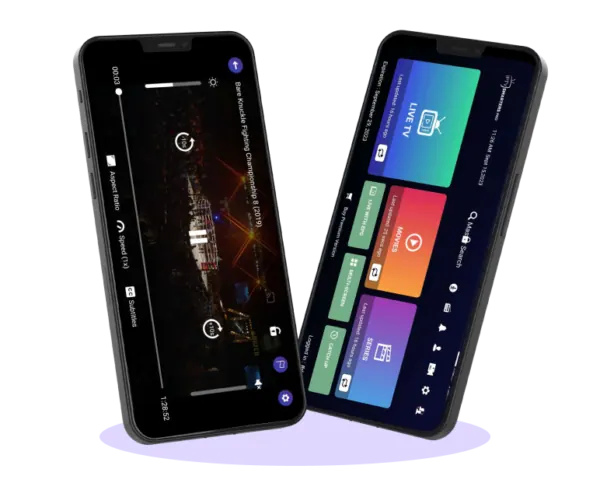
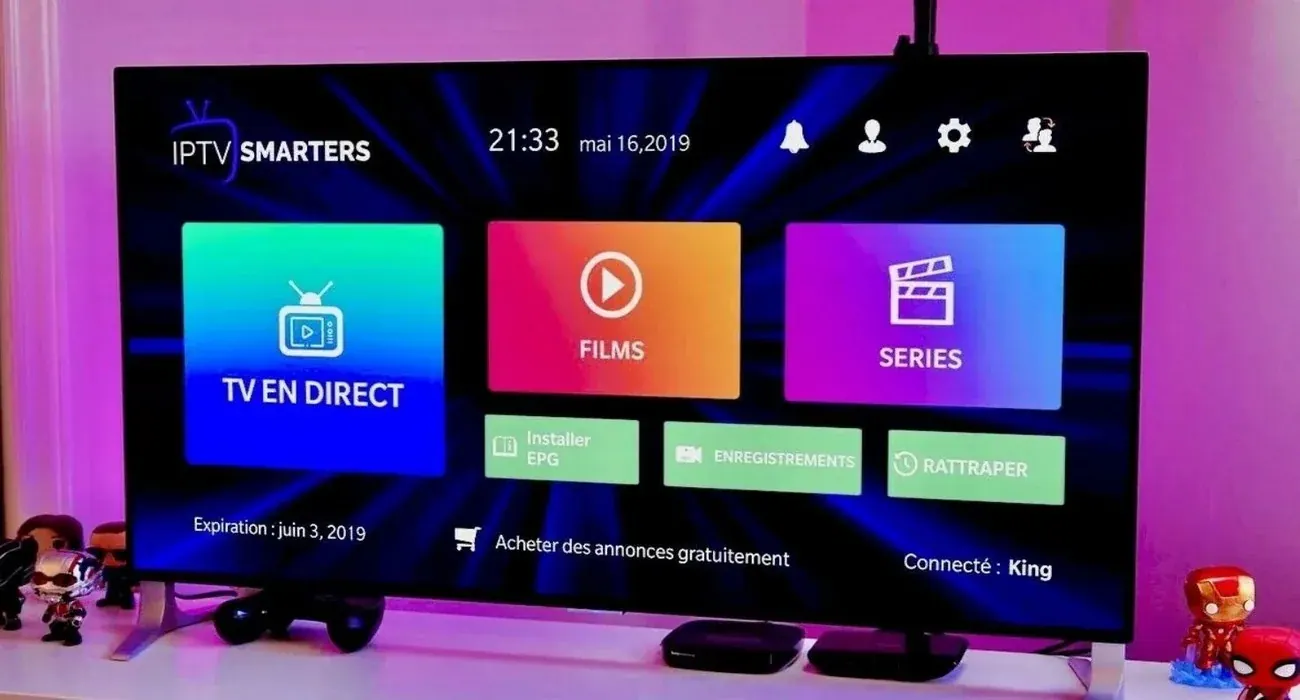
After you order on WhatsApp, we create your account and send your username, password and server URL, usually within minutes. You add those details to an IPTV player such as IPTV Smarters Pro, TiviMate or IBO Player, and the channels, the TV guide (EPG) and the on-demand library show up. If something doesn't look right, send us a photo of your screen and we'll stay with you until the first channel plays.

What you need at home

A steady internet connection matters more than anything else. HD streams run fine on a typical home plan, and the FCC's broadband speed guide suggests about 25 Mbps for 4K streaming. On game day, when everyone in the house is online at once, a wired Ethernet cable or the 5 GHz band of your Wi-Fi router makes a real difference.

Why people across the country switch

From Maine to California, the reasons sound alike: a lower bill, one app for everything, and a guide that follows you to the bedroom TV, the lake house or a hotel room on a work trip. Sunday afternoon football, family movie night on Friday, the late news after the kids are in bed. It all runs through the same IPTV USA account.

Still comparing options? Our guide to picking the best IPTV service covers what to check before you pay: uptime, EPG quality, device support and refund terms. You can also see every IPTV subscription plan side by side, or read how our 4K IPTV streams work.


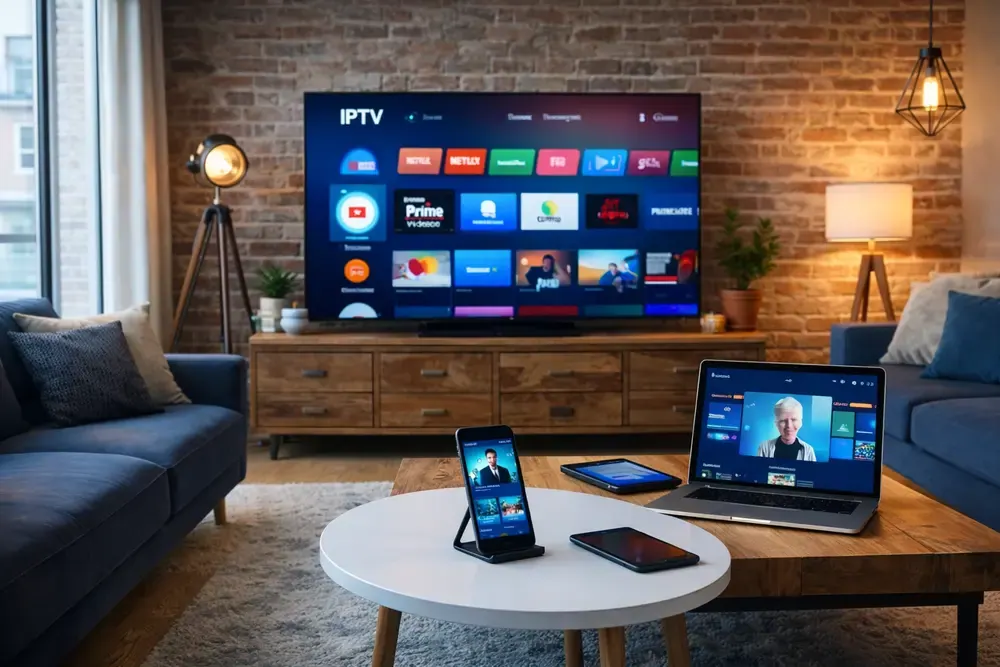
Family watching IPTV USA on a big living room TV during movie nightLiving room with a TV, a tablet and a phone streaming the same service

Why us

Why US viewers choose IPTV Subscriber

No hype. Just the things that matter when you sit down to watch.

  1. 001

    4K and Full HD streams

    Channels and titles come in 4K where the source offers it, with FHD and HD versions too, so you can choose the quality your connection handles best.

  2. 002

    A real TV guide

    See what's on now and next, the way you would on cable. TiviMate and IBO Player show the full grid guide with program times for every channel.

  3. 003

    Streams we keep an eye on

    Our streams are monitored around the clock. If a channel acts up during a game, message us and we look into it right away, not next business day.

  4. 004

    Setup help on WhatsApp

    Send a photo of your TV screen and we'll tell you exactly what to press. Most people are watching within 10 minutes of getting their login.

  5. 005

    No contract, no auto-renewal

    You pay once for the plan you pick. Nothing renews in the background. When the plan ends, you decide whether to keep going.

  6. 006

    Works on the devices you own

    Your IPTV USA login works on Fire TV Stick, Apple TV, Android TV and Google TV, Samsung and LG Smart TVs, iPhone, Android, computers and MAG boxes.

What you can watch

Live TV, sports, movies and series in one guide

Browse the IPTV USA lineup by category, the way you'd flip through cable, only faster.

  • Grid of live TV channels on screens

    Live TV

    US entertainment and local channels, sorted by category.

  • Packed stadium under the lights during a live game

    Sports

    Game day, fight nights and weekend match-ups in HD and 4K.

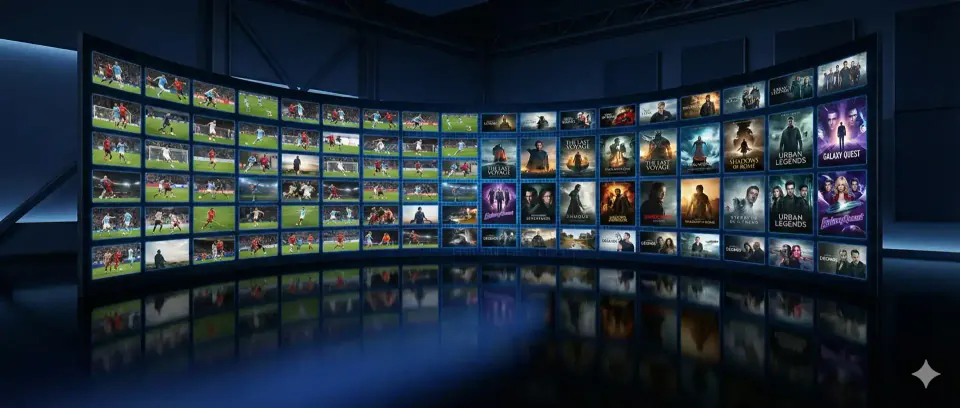
  • Wall of screens showing movies and shows on demand

    Movies

    An on-demand library, from recent titles to classics.

  • IPTV app menu with series and movies on a bedroom TV

    Series

    Full seasons you can binge at your own pace.

  • Colorful cartoon character for the kids category

    Kids

    Cartoons and family channels for the little ones.

  • News control room with a wall of monitors

    News

    24-hour news and local coverage when it matters.

  • Friends cheering while watching a soccer match on TV

    Latino / Spanish

    Spanish-language channels for news, novelas and fútbol.

Compare

IPTV Subscriber vs. cable TV

Cable still has a few strengths, and we'd rather be upfront about them. Here's how IPTV USA and cable compare for a typical household.

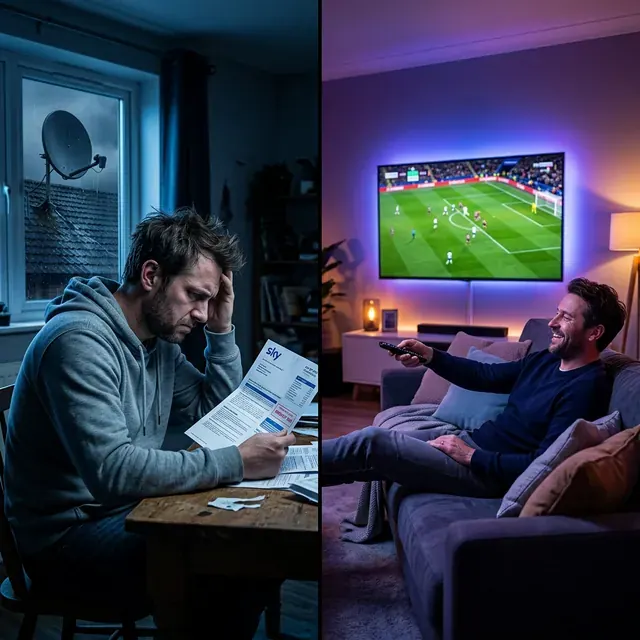
Viewer stressed by a high cable bill next to a relaxed viewer watching IPTV USA
FeatureIPTV SubscriberCable TV
PriceFrom $4.58/month, paid upfrontMonthly bill that varies by provider
No long-term contractYesNo
No equipment rental feesYesNo
Setup without a technician visitYesNo
Watch on phones, tablets and computersYesDepends on the provider app
Take it with you on a tripYesNo
Movies and series library includedYesOften an extra charge
4K channelsYesLimited
Works when your internet is downNoYes

Cable prices vary by provider, region and promotion, so we don't quote numbers for them here.

Devices & setup

Set up IPTV USA on any device

Pick your device. Most setups take 5 to 10 minutes, and we can guide you on WhatsApp the whole way.

Fire TV Stick & Fire TV

Recommended app: IPTV Smarters Pro or TiviMate

  1. 1

    Search for the free Downloader app on your Fire TV and install it. Then go to Settings › My Fire TV › Developer options and allow Downloader to install unknown apps.

  2. 2

    Open Downloader, type the app link we send you, and install IPTV Smarters Pro or TiviMate. It takes about two minutes on a Fire TV Stick 4K Max.

  3. 3

    Open the app, pick "Login with Xtream Codes API", and enter the username, password and server URL from your welcome message.

Full Fire TV Stick guide

How it works

Get IPTV USA running in four steps

  1. Step 1

    Choose your plan

    3, 6, 12 or 24 months. Every plan has the same channels and library.

  2. Step 2

    Message us on WhatsApp

    Tap the order button. Your plan and price are already typed in for you.

  3. Step 3

    Receive your login

    We send your username, password and server URL, usually within minutes.

  4. Step 4

    Start watching

    Add the login to your app and pick a channel. We're on WhatsApp if you need a hand.

FAQ

IPTV USA questions, answered

What is IPTV, and how does it work?

IPTV stands for Internet Protocol Television. Instead of arriving through a cable line or a satellite dish, live channels and on-demand videos stream over your internet connection to an app on your TV, streaming stick, phone or computer. You sign in with the login we send you, and the app shows a channel guide much like the one you know from cable.

How much does IPTV USA cost?

Our IPTV USA plans run 3, 6, 12 or 24 months and work out to as little as $4.58 a month on the longest plan. You pay once for the whole period, in US dollars. Every plan includes the same channels, library and support. Longer plans just cost less per month.

Is IPTV legal in the US?

IPTV as a technology is legal. Many mainstream services deliver live TV exactly this way. What makes a difference is the content: streaming channels or shows without permission from the people who own the rights is not legal. IPTV Subscriber is not affiliated with, or licensed by, any TV network, sports league or studio. If you are unsure about the rules where you live, check them before you order.

How fast do I get my IPTV USA login after I order?

Usually within minutes. As soon as your payment is confirmed on WhatsApp, we create your account and send your username, password and server URL, plus an M3U link if your app needs one. If it ever takes longer, we tell you why in the chat.

What internet speed do I need for IPTV USA?

For HD channels, a steady 10 Mbps or more is usually enough. For 4K, plan on about 25 Mbps per screen, which matches the FCC guidance for 4K streaming. Stability matters more than raw speed, so a wired connection or 5 GHz Wi-Fi helps a lot, especially during big games when the whole neighborhood is online.

Which devices work with IPTV USA?

Amazon Fire TV Stick and Fire TV, Apple TV, Android TV and Google TV boxes, NVIDIA Shield, Samsung and LG Smart TVs, iPhone and iPad, Android phones and tablets, Windows PCs, Macs and MAG boxes. The setup tabs on this page show the recommended app and three steps for each one.

Can I watch on more than one TV at the same time?

Each plan streams on one device at a time. You can install the app on several devices and switch between them, but only one can play at any moment. If you want two TVs running at once, order a second plan. We will set up both, and you will have two separate logins.

Does my subscription renew automatically?

No. You pay once for the plan you choose, and nothing is charged again. When your plan gets close to its end date, message us on WhatsApp if you want to renew. If you do nothing, it simply ends.

What should I do if a channel buffers?

Start with the basics: restart your streaming device and your router, plug in an Ethernet cable or move closer to the Wi-Fi, and try the HD version of the channel instead of 4K. Clearing the app cache in TiviMate or IPTV Smarters often helps too. If the problem is on our side, send us the channel name and we will check it right away.

Do I need a VPN?

No, a VPN is not required. Some internet providers slow down video traffic at busy times, and in that case a VPN can smooth things out. If you use one, pick a reputable paid service with a server close to you, since a far-away server adds delay.

Is there a TV guide (EPG)?

Yes. The electronic program guide shows what is on now and what is coming up on each channel, the same way a cable guide does. TiviMate and IBO Player show it as a full grid, and IPTV Smarters Pro shows it channel by channel.

Can I get a refund?

Yes. If the service does not work on your device and we cannot fix it together, you can ask for a refund within 7 days of activation. Our Refund Policy page explains the details.

How do I renew or change my plan?

Message us on WhatsApp a few days before your plan ends and tell us which plan you want next. In most cases we extend your existing IPTV USA login, so there is nothing to set up again on your devices.

How do I pay?

When you order on WhatsApp, we confirm the price and send you the payment options available that day. Your login goes out as soon as the payment is confirmed. We will never ask you to type your full card number into a chat message.

Can I use IPTV USA while traveling?

Yes. Your login works anywhere you have a good internet connection, so you can watch from a hotel, an RV park or a relative's house. Just remember that each plan streams on one device at a time.

Guides

Setup guides and tips

Questions before you order?

Message us on WhatsApp. A real person answers, and we'll tell you honestly whether IPTV USA will run well on your device and your internet connection.