
IPTV Services Explained: What You Actually Get for Your Money
What do IPTV services include, how do they work, and what should you expect from a good one? A plain-English guide for US viewers.
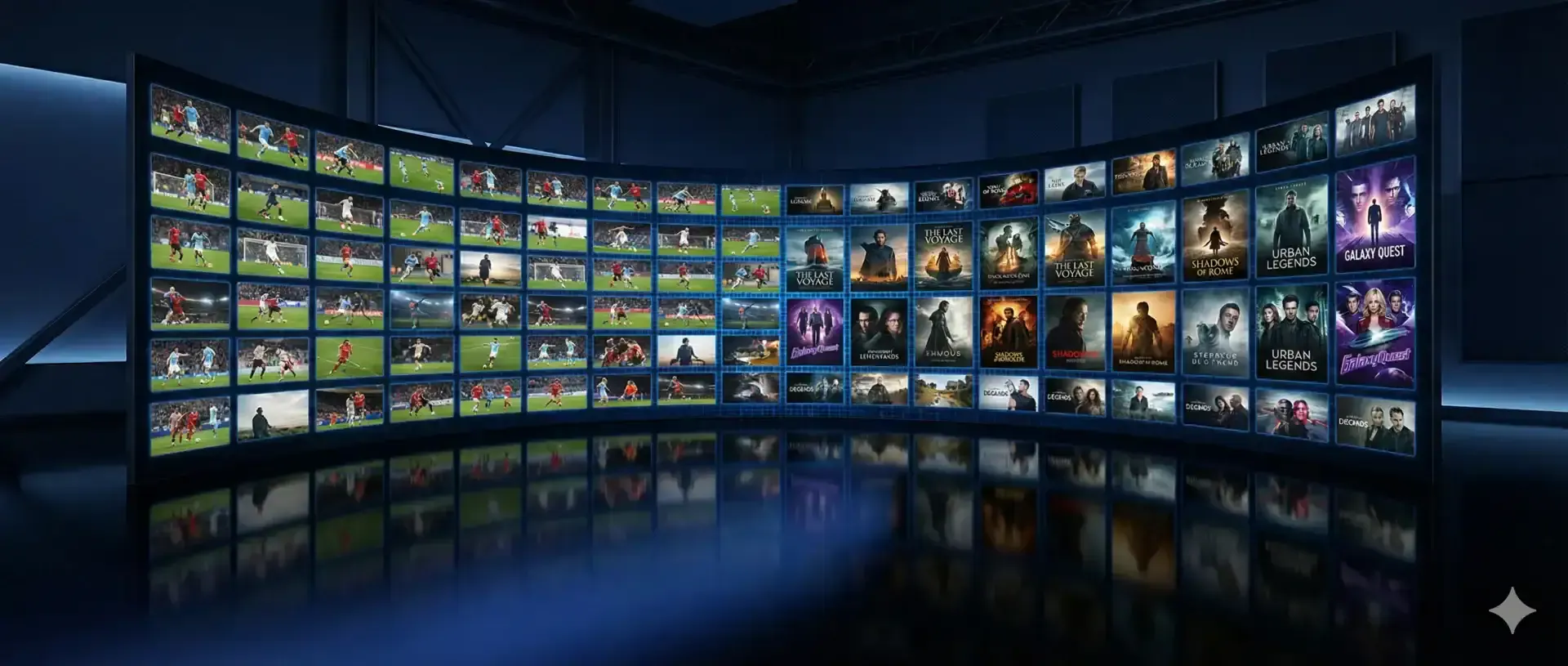
IPTV services deliver live TV and on-demand video over the internet instead of a cable line or satellite dish. That's the short version. The longer version, and the one that matters when you're about to pay for one, is what exactly you get: which kinds of channels, what picture quality, which devices, what kind of help, and what happens when something goes wrong. This page breaks all of that down in plain English.
How IPTV services work
IPTV stands for Internet Protocol Television. Channels are sent as data streams over your home internet to an app on your device. The app asks the provider's server for the channel list and the program guide, and plays whatever you pick.
From the couch, it feels a lot like cable: you scroll a guide, choose a channel, and it plays. The differences are under the hood. There's no coax cable, no set-top box from a cable company, and your login works on any compatible device, at home or on the road.
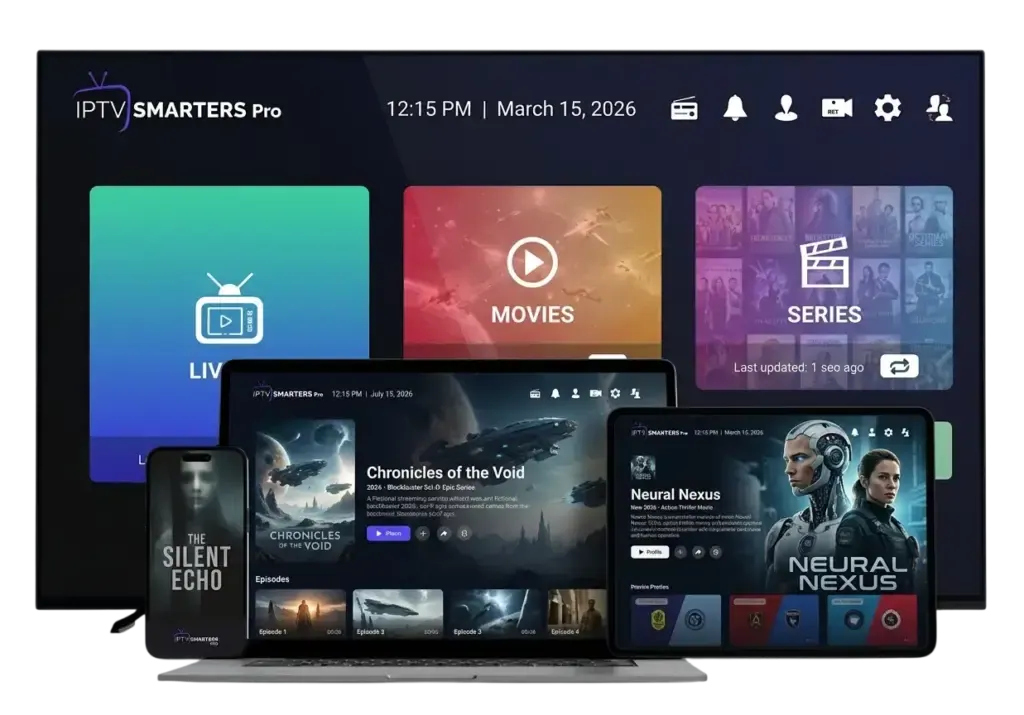
What's included in our IPTV services
- Live channels: US entertainment, news and local channels, plus kids, Spanish-language and sports channels, organized by category.
- On-demand movies and series: start, pause and resume titles like any streaming app, with full seasons of series.
- Electronic program guide (EPG): the "what's on now" grid you know from cable.
- Multiple quality levels: 4K where the source offers it, plus FHD and HD so you can match your connection.
- Apps for every screen: Fire TV, Apple TV, Android TV and Google TV, Samsung and LG Smart TVs, iPhone, Android, Windows, Mac and MAG boxes.
- Human support: setup help and troubleshooting on WhatsApp.
IPTV services vs. cable and live-TV streaming apps
| IPTV Subscriber | Cable TV | Live-TV streaming apps | |
|---|---|---|---|
| Contract | None | Often required | Monthly, auto-renewing |
| Equipment | Your own devices | Rented box | Your own devices |
| On-demand library | Included | Often extra | Varies by service |
| Works without internet | No | Yes | No |
| Price | From $4.58/month, paid upfront | Varies by provider | Varies by service |
We don't list other companies' prices because they change often and vary by region. Check their current pricing directly when you compare.
What makes good IPTV services different
The technology is similar everywhere. What separates good IPTV services from frustrating ones is mostly how the provider runs things day to day:
- Stability when it counts. Streams should hold up during big games, not just on quiet weekday mornings.
- A complete, accurate guide. Missing EPG data makes a service feel broken.
- Clear setup help for your specific device, not a generic PDF.
- Honest terms: no auto-renewal traps, no fake discounts, a refund policy you can read first.
What you need to use IPTV services at home
- An internet connection. HD channels need a steady connection; for 4K, the FCC's broadband speed guide suggests about 25 Mbps.
- A compatible device. A Fire TV Stick 4K Max, Apple TV 4K, Android TV box or a recent Smart TV all work well.
- An IPTV player app. TiviMate, IPTV Smarters Pro, IBO Player or a similar app. We'll recommend one for your device.
- Your login. We send it on WhatsApp right after your order is confirmed.
Common problems and simple fixes
- Buffering: restart the device and router, use Ethernet or 5 GHz Wi-Fi, or switch to the FHD version of the channel.
- Guide not loading: refresh the EPG in the app settings. In TiviMate, it's under Settings › EPG.
- App won't log in: check the server URL for typos. Most login issues are a missing "http://" or an extra space.
- A single channel is down: send us the channel name and time, and we'll look at it.
A typical evening with IPTV services
To make this concrete, here's what an ordinary weeknight looks like for a family using IPTV services instead of cable. At 6 p.m., the local news is on in the kitchen on a tablet. At 7, the kids watch cartoons on the living room TV while dinner's cooking. At 8, a parent switches to the game and checks the guide to see when the second half starts. At 10, it's an episode of a series from the on-demand library, picked up exactly where it was paused last night.
Nothing about that evening requires a cable box, a technician or a contract. It all runs from one login and whichever device is closest.
IPTV services for different kinds of viewers
- Sports fans care most about stability at peak times and quick channel switching. See our page on IPTV for sports.
- Movie and series lovers spend more time in the on-demand library than in the live guide. An app like IPTV Smarters Pro, with separate Movies and Series sections, suits them well.
- News watchers want a reliable guide and fast access to the same few channels every day. Favorites make that easy.
- Families often need two plans so two TVs can play at once.
Whichever group you're in, the underlying IPTV services are the same. What changes is the app, the device and the plan length that fit you best.
Choosing a plan
All of our IPTV services come in four plan lengths with the same content. See every option on the IPTV subscriptions page, or learn what sets premium IPTV apart. If you already know which device you'll use, jump straight to the Fire TV Stick guide and be watching tonight.
Plans & pricing
Pick your plan
Same channels and library in every plan. Pay once, no auto-renewal, order on WhatsApp.
3 Months
$11.67 per month · 1 device
Ninety days of live TV, sports, movies and series. A low-commitment way to test IPTV before you cancel cable.
- Live TV, sports, movies and series
- 4K, FHD and HD streams
- TV guide (EPG) included
- Works on Fire TV, Apple TV, Smart TVs, phones
- Setup help on WhatsApp
- No contract, no auto-renewal
6 Months
$7.50 per month · 1 device
Six months of live TV, sports, movies and series for one upfront price. Covers a full season with room to spare.
- Live TV, sports, movies and series
- 4K, FHD and HD streams
- TV guide (EPG) included
- Works on Fire TV, Apple TV, Smart TVs, phones
- Setup help on WhatsApp
- No contract, no auto-renewal
12 Months
Most popular$5.42 per month · 1 device
Our most popular plan: a full year of live TV, sports, movies and series at a low monthly cost.
- Live TV, sports, movies and series
- 4K, FHD and HD streams
- TV guide (EPG) included
- Works on Fire TV, Apple TV, Smart TVs, phones
- Setup help on WhatsApp
- No contract, no auto-renewal
24 Months
Best value$4.58 per month · 1 device
Two full years of live TV, sports, movies and series. The lowest cost per month of any plan.
- Live TV, sports, movies and series
- 4K, FHD and HD streams
- TV guide (EPG) included
- Works on Fire TV, Apple TV, Smart TVs, phones
- Setup help on WhatsApp
- No contract, no auto-renewal
FAQ
Frequently asked questions
What do IPTV services include?
Typically live channels, an on-demand library of movies and series, a TV guide (EPG) and a login you can use in IPTV apps on your TV, phone or computer. Ours also includes setup help on WhatsApp.
Do IPTV services need a special box?
No. Most people use a device they already have, like a Fire TV Stick, Apple TV, Android TV box or a Smart TV. MAG boxes are also supported.
How much internet speed do IPTV services use?
HD channels generally run well on a steady 10 Mbps or more. 4K needs about 25 Mbps per screen, according to the FCC.
Can I record shows?
Some apps can. TiviMate Premium supports recording on Android TV devices, and many channels offer catch-up so you can watch programs that already aired.