
IPTV Sports: Game Day on Any Screen, in HD and 4K
What to expect from IPTV sports streaming, how to keep games smooth when everyone is watching, and the setup we recommend for game day.
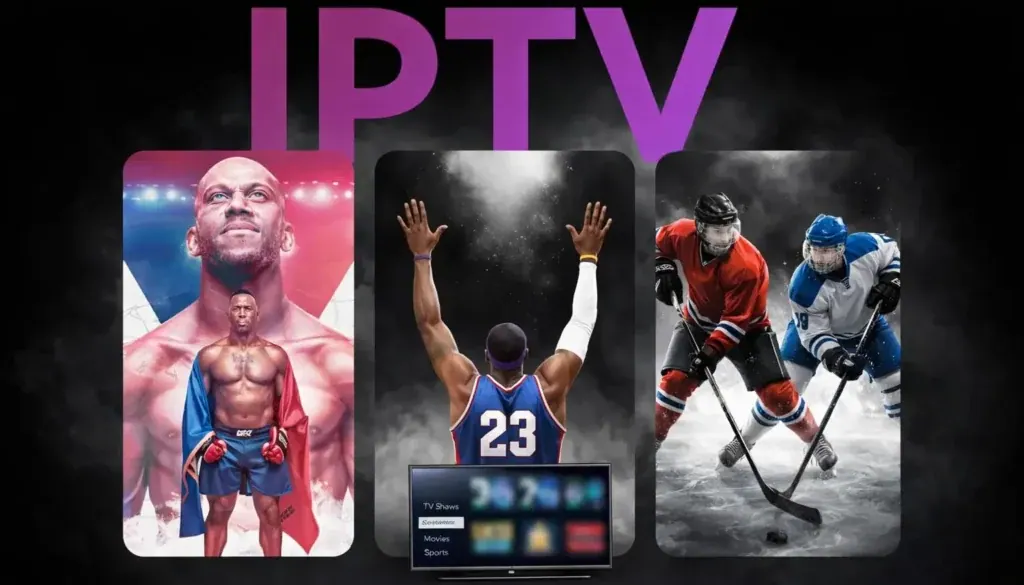
For a lot of our customers, IPTV sports coverage is the whole reason they switch. Cable packages split sports across tiers and add-ons, and streaming apps each carry a slice. With our service, sports channels sit in the same guide as everything else, in HD and in 4K where the broadcast offers it, on whatever screen you're near when the game starts. This page covers what to expect, how to keep games smooth when the whole neighborhood is watching, and the setup we recommend.
What IPTV sports coverage looks like with us
Sports channels are grouped together in the guide, so you can scroll straight to game day instead of hunting through the full list. You'll find channels for the sports US viewers follow most, including football, basketball, baseball, hockey, soccer, fight sports, golf and racing, alongside general sports news and highlight shows.
We don't use league or team logos on this site, and we don't claim any official relationship with leagues or broadcasters. If you want to confirm that a specific channel or a regional sports network is in the lineup before you order, message us on WhatsApp and we'll check for you. Channel lineups can change, and we'd rather tell you upfront.
Why sports is the real test of any IPTV service
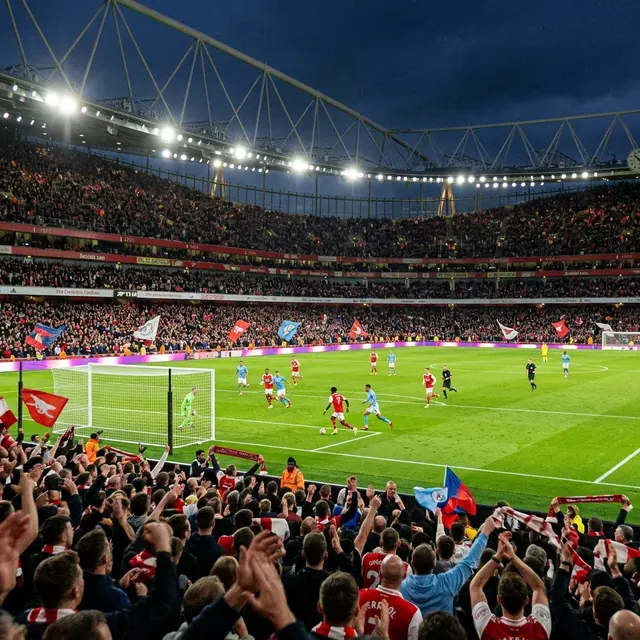
Sports is where weak IPTV services fall apart. Live games draw huge audiences at the exact same moment, so servers and home networks are under the most pressure right when you care most. A movie can buffer for a second and you barely notice; a game that freezes during the final two minutes ruins the night.
That's why the best IPTV for sports is the one that stays steady at peak times, not the one with the biggest channel list. Our streams are monitored around the clock, and if a sports channel acts up during a game, message us with the channel name and we look at it right away.
Setting up your home for IPTV sports
Your home setup matters as much as the service. These are the changes that make the biggest difference on game day:
- Wire the main TV. Ethernet beats Wi-Fi every time during big games. For a Fire TV Stick, an Ethernet adapter costs little and solves most problems.
- Check your speed at the TV. The FCC's broadband speed guide lists about 25 Mbps for 4K streaming. HD needs far less.
- Use a strong device. A Fire TV Stick 4K Max, Apple TV 4K or NVIDIA Shield handles fast motion better than older sticks.
- Turn on your TV's motion settings wisely. Many TVs have a sports mode; try it, but turn off heavy motion smoothing if players look unnatural.
- Keep a backup channel handy. Add both the 4K and FHD versions of your main sports channels to Favorites. If one struggles, switch in two clicks.
HD or 4K for live games?
4K makes a real difference on large screens: you can read the jersey numbers and see the ball clearly on wide shots. But 4K streams carry much more data, so they're more sensitive to a busy connection. Our advice for IPTV sports:
- Big TV, wired connection, 25 Mbps or more: go 4K where the broadcast offers it.
- TV on Wi-Fi, or a busy household: use FHD. It looks great and stays smoother.
- Watching on a phone or tablet: HD is plenty and uses less data.
More detail on picture quality is on our 4K IPTV page.
The best apps for IPTV sports
| App | Why sports fans like it |
|---|---|
| TiviMate (Android TV, Fire TV) | Fast channel switching, grid guide, multi-view with Premium to watch several games at once |
| IPTV Smarters Pro | Simple interface, works on almost every device |
| IBO Player Pro (Smart TVs) | No extra device needed on Samsung and LG TVs |
| iPlayTV (Apple TV) | Smooth playback and a clean guide on Apple TV 4K |
Setup guides: TiviMate and Fire TV Stick.
Game day across US time zones
Sports start times are usually listed in Eastern time. If you're on Central, Mountain or Pacific time, make sure your app's guide is set to your local time zone so the program times match what's actually on. In TiviMate this is under the EPG settings; in most other apps it's in the general settings. It's a small detail, but it saves a lot of "why isn't the game on yet?" moments.
Watching IPTV sports with friends and family
Each plan streams on one device at a time. If the game is on the living room TV and someone wants a different game on the bedroom TV, you'll need a second plan. Many households run two plans for exactly this reason during football season. Both logins are managed in the same WhatsApp chat.
A game-day checklist for IPTV sports
- Restart your streaming device an hour before kickoff.
- Check that the TV is on Ethernet or strong 5 GHz Wi-Fi.
- Pause big downloads, game console updates and cloud backups in the house.
- Open the guide early and add the game channel to Favorites, in both 4K and FHD.
- Keep our WhatsApp chat handy in case a channel needs a look.
Five minutes of prep before the game saves a lot of frustration during it, and it's the difference between IPTV sports that feel like cable and a stream you keep restarting.
Choosing a plan for the season
If you're mainly signing up for one season, the 6-month plan covers it from start to finish. For year-round sports, the 12-month plan is better value. Every plan includes the full IPTV sports lineup, the movie and series library, and the TV guide. Compare them all on the IPTV subscriptions page.
Plans & pricing
Pick your plan
Same channels and library in every plan. Pay once, no auto-renewal, order on WhatsApp.
3 Months
$11.67 per month · 1 device
Ninety days of live TV, sports, movies and series. A low-commitment way to test IPTV before you cancel cable.
- Live TV, sports, movies and series
- 4K, FHD and HD streams
- TV guide (EPG) included
- Works on Fire TV, Apple TV, Smart TVs, phones
- Setup help on WhatsApp
- No contract, no auto-renewal
6 Months
$7.50 per month · 1 device
Six months of live TV, sports, movies and series for one upfront price. Covers a full season with room to spare.
- Live TV, sports, movies and series
- 4K, FHD and HD streams
- TV guide (EPG) included
- Works on Fire TV, Apple TV, Smart TVs, phones
- Setup help on WhatsApp
- No contract, no auto-renewal
12 Months
Most popular$5.42 per month · 1 device
Our most popular plan: a full year of live TV, sports, movies and series at a low monthly cost.
- Live TV, sports, movies and series
- 4K, FHD and HD streams
- TV guide (EPG) included
- Works on Fire TV, Apple TV, Smart TVs, phones
- Setup help on WhatsApp
- No contract, no auto-renewal
24 Months
Best value$4.58 per month · 1 device
Two full years of live TV, sports, movies and series. The lowest cost per month of any plan.
- Live TV, sports, movies and series
- 4K, FHD and HD streams
- TV guide (EPG) included
- Works on Fire TV, Apple TV, Smart TVs, phones
- Setup help on WhatsApp
- No contract, no auto-renewal
FAQ
Frequently asked questions
What is the best IPTV for sports?
The one that stays stable during big games, has a complete guide for sports channels, and answers quickly when a channel has trouble. Test any service during a busy game in your first week.
Can I watch two games at the same time?
On one TV, TiviMate Premium has a multi-view feature. On two different TVs at the same time, you need two plans, since each plan streams on one device at a time.
Are sports channels available in 4K?
Yes, where the broadcast is available in 4K. FHD and HD versions are available for every sports channel.
Why does a game buffer when movies play fine?
Live sports draw huge audiences at the same moment, which stresses both servers and home networks. Use Ethernet, try the FHD version of the channel, and tell us the channel name so we can check it.