
The Best IPTV for TiviMate: Setup Guide and What to Look For
What makes the best IPTV for TiviMate, how to set TiviMate up in five minutes, and the settings that make it feel like cable.
If you're searching for the best IPTV for TiviMate, you probably already know why: TiviMate is the favorite IPTV player of a lot of cord-cutters, and it's easy to see why: its grid guide looks and feels like a cable box, channel switching is quick, and the Premium version adds recording and multi-view. But TiviMate is only a player. What you see on screen depends on the service you connect to it. This guide explains what makes the best IPTV for TiviMate, then walks you through the setup and the settings we recommend.
What TiviMate is (and isn't)
TiviMate is an IPTV player app for Android TV, Google TV and Fire TV devices, made by an independent developer. It doesn't include any channels. You add a playlist from an IPTV provider, and TiviMate turns it into a guide you can navigate with your remote. You can learn more on the official TiviMate site.
TiviMate is free to use with basic features. TiviMate Premium is a paid upgrade that adds recording, multi-view, catch-up improvements, multiple playlists and more customization. Check the current Premium price in the app, as it can change.
What makes the best IPTV for TiviMate
Because TiviMate shows so much information on one screen, it exposes the weaknesses of a service very quickly. Here's what to look for:
- Xtream Codes login. It's the easiest way to add a service, and it brings in live channels, the guide and catch-up in one step.
- A complete EPG. In TiviMate's grid, missing guide data is obvious. The best IPTV for TiviMate has listings for the channels you watch.
- Clean channel groups. Well-named categories make TiviMate's group view easy to browse.
- Catch-up on popular channels, so you can rewind programs that already aired.
- Stable streams at peak times. TiviMate switches channels fast, which makes buffering even more noticeable.
Our service checks all of those boxes: Xtream Codes login on every plan, the EPG included, channels sorted into clear groups, and streams monitored around the clock.
TiviMate setup: five steps
- Install TiviMate. On Android TV or Google TV, get it from the Google Play Store. On a Fire TV Stick, use the Downloader app (see our Fire TV Stick guide).
- Add a playlist. Open TiviMate and select Add playlist, then Xtream Codes.
- Enter your login. Type the server URL, username and password from your welcome message.
- Load channels and guide. TiviMate imports everything automatically. Select Done.
- Personalize. Hide groups you don't watch and add your favorites.
TiviMate settings we recommend
| Setting | Where | Why |
|---|---|---|
| EPG update on app start | Settings › EPG | Keeps the guide current |
| EPG time shift | Settings › EPG | Match listings to your time zone if times look off |
| Hardware decoder | Settings › Playback | Smoother playback on most devices |
| Hide unused groups | Long-press a group › Hide | Faster browsing |
| Favorites | Long-press a channel › Add to favorites | Your top channels in one row |
Using TiviMate Premium features
Recording: set a storage location (a USB drive on a Shield or Google TV box works well), then long-press a program in the guide to record it.
Multi-view: watch up to several channels on one screen. Great for game day, but it multiplies the bandwidth you need, so use FHD versions of channels and a wired connection.
Catch-up: channels with catch-up show a small icon. Select a past program in the guide to watch it.
Best devices for TiviMate
- NVIDIA Shield TV: the smoothest TiviMate experience, especially with recording.
- Fire TV Stick 4K Max: excellent value; add an Ethernet adapter.
- Google TV devices and Android TV boxes: good performance on recent models.
TiviMate is not available on Apple TV, iPhone or Smart TV app stores. For Apple TV, see our Apple TV app comparison.
Troubleshooting TiviMate
No guide data: go to Settings › EPG and update. If some channels still show nothing, send us the channel names.
Login error: check the server URL, including http:// and the port number if there is one.
Buffering: use Ethernet, switch to FHD, and check your speed against the FCC's broadband speed guide.
TiviMate vs. other IPTV players
| Player | Strength | Devices |
|---|---|---|
| TiviMate | Cable-style grid guide, recording with Premium | Android TV, Google TV, Fire TV |
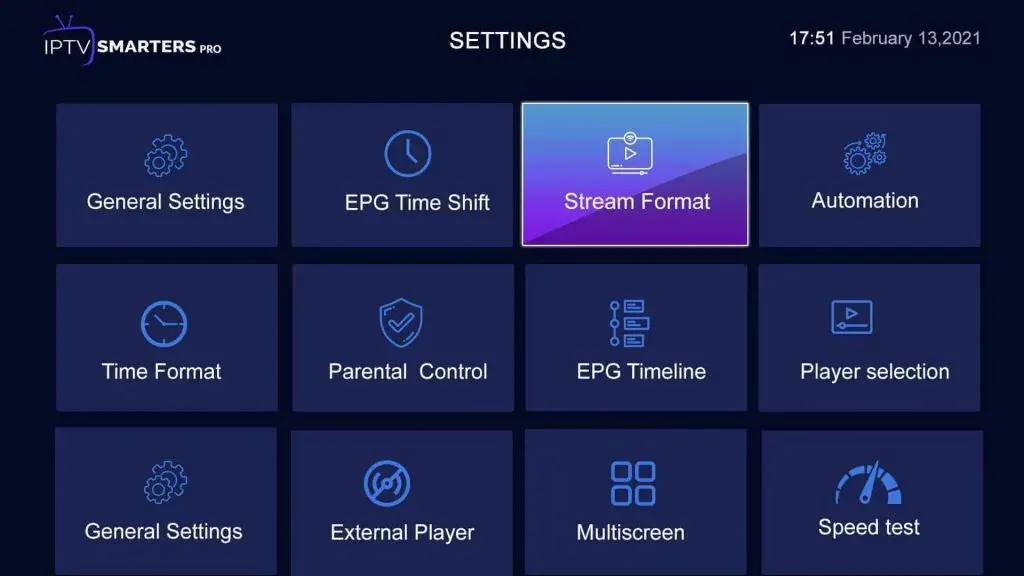
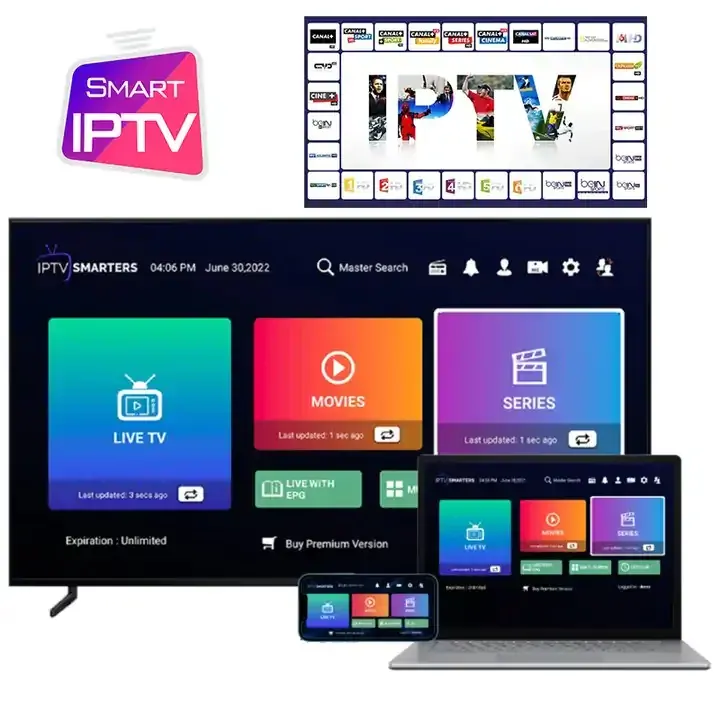
| IPTV Smarters Pro | Simple menus for Live TV, Movies and Series | Almost everything |
| IBO Player Pro | Runs directly on Smart TVs | Samsung, LG, Android |
| iPlayTV | Grid guide on Apple TV | Apple TV |
If you watch mostly live channels on an Android-based device, TiviMate is hard to beat. If you watch mostly movies and series, IPTV Smarters Pro may feel simpler.
Organizing TiviMate for the whole family
TiviMate shines once it's organized. Hide the channel groups nobody watches, and create a favorites list for each person. Parents can use TiviMate's parental controls to lock certain groups with a PIN. With that done, the best IPTV for TiviMate feels less like a long list of channels and more like your own cable package, built around what your household actually watches.
Why we built our service with TiviMate users in mind
A large share of our Android TV and Fire TV customers use TiviMate, so we pay attention to the things TiviMate makes visible: complete guide data, clean group names and channels that open quickly. That's what we mean when we say we aim to be the best IPTV for TiviMate: a service that looks tidy and complete inside the app you already like.
Plans that work with TiviMate
Every plan includes Xtream Codes access for TiviMate. New to it? Try the 3-month plan. Want the best value? The 12-month plan is our most popular. We think we're the best IPTV for TiviMate users who want a complete guide and real support, and you can test that claim on your own TV.
Plans & pricing
Pick your plan
Same channels and library in every plan. Pay once, no auto-renewal, order on WhatsApp.
3 Months
$11.67 per month · 1 device
Ninety days of live TV, sports, movies and series. A low-commitment way to test IPTV before you cancel cable.
- Live TV, sports, movies and series
- 4K, FHD and HD streams
- TV guide (EPG) included
- Works on Fire TV, Apple TV, Smart TVs, phones
- Setup help on WhatsApp
- No contract, no auto-renewal
6 Months
$7.50 per month · 1 device
Six months of live TV, sports, movies and series for one upfront price. Covers a full season with room to spare.
- Live TV, sports, movies and series
- 4K, FHD and HD streams
- TV guide (EPG) included
- Works on Fire TV, Apple TV, Smart TVs, phones
- Setup help on WhatsApp
- No contract, no auto-renewal
12 Months
Most popular$5.42 per month · 1 device
Our most popular plan: a full year of live TV, sports, movies and series at a low monthly cost.
- Live TV, sports, movies and series
- 4K, FHD and HD streams
- TV guide (EPG) included
- Works on Fire TV, Apple TV, Smart TVs, phones
- Setup help on WhatsApp
- No contract, no auto-renewal
24 Months
Best value$4.58 per month · 1 device
Two full years of live TV, sports, movies and series. The lowest cost per month of any plan.
- Live TV, sports, movies and series
- 4K, FHD and HD streams
- TV guide (EPG) included
- Works on Fire TV, Apple TV, Smart TVs, phones
- Setup help on WhatsApp
- No contract, no auto-renewal
FAQ
Frequently asked questions
Does TiviMate come with channels?
No. TiviMate is only a player. You add a playlist from an IPTV provider, and TiviMate displays its channels and guide.
Is TiviMate Premium required?
No. The free version works with our service. Premium adds recording, multi-view and extra features, and some users find it worth it.
Can I use TiviMate on a Fire TV Stick?
Yes. Install it with the Downloader app, then add your Xtream Codes login. Our Fire TV Stick guide shows every step.
Why do program times look wrong in TiviMate?
The guide time zone may not match yours. Adjust the EPG time shift in Settings › EPG until listings match your local time.