
How to Turn On Subtitles on IPTV (Every Major App)
On this page
- Subtitles vs. closed captions
- How to turn on subtitles on IPTV Smarters Pro
- How to turn on subtitles on IPTV in TiviMate
- Subtitles in VLC
- Fire TV captions settings
- Apple TV subtitles
- Changing subtitle size, color and position
- Why subtitles on IPTV sometimes don't show
- Subtitles on IPTV for live TV vs. movies and series
- Tips for viewers who rely on subtitles on IPTV
- Turning subtitles on IPTV off again
- More questions about subtitles on IPTV
- A quick subtitle checklist
- Subtitles on phones and tablets
- Accessibility beyond subtitles
- Subtitles and audio tracks go together
- Subtitles for other languages
- Quick answers
- Next steps
Turning on subtitles on IPTV is easy once you know where each app hides the option, and a little confusing until then. Some players put it behind a "CC" button, others in a playback menu, and some devices have a system-wide captions setting that only certain apps follow. On top of that, not every stream carries subtitles at all. This guide walks through the apps and devices our customers use most, explains the difference between subtitles and closed captions, and shows what to do when the option is grayed out.
Subtitles vs. closed captions
People use the words interchangeably, but there's a difference:
- Closed captions (CC) are common on US live TV. They include dialogue plus sound descriptions like [music] or [door slams], and are embedded in the broadcast signal.
- Subtitles are usually text tracks attached to movies and series, often in several languages.
Whether you see subtitles on IPTV depends on whether the stream includes a caption or subtitle track, and whether your player can display it. The FCC explains how closed captioning on television works in the US.
How to turn on subtitles on IPTV Smarters Pro
- Start the movie, episode or channel.
- Press OK (or tap the screen on a phone) to show the player controls.
- Select the subtitles / CC icon or the three-dot menu, then Subtitle.
- Choose the language track. Select Off to disable.
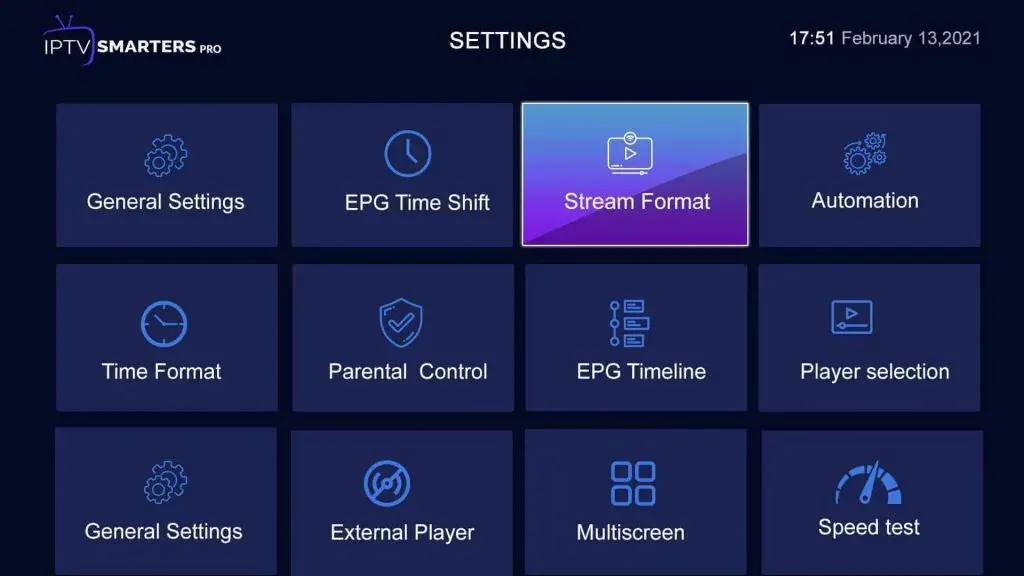
If you see no subtitle option, try switching the player in Settings › Player Selection. Some internal players handle subtitle tracks better than others.
How to turn on subtitles on IPTV in TiviMate
- While a channel or video is playing, press OK or the menu button to open the playback panel.
- Select the subtitles option (speech-bubble icon).
- Pick a track. TiviMate shows only the tracks the stream actually contains.
TiviMate also lets you change subtitle size and style in its playback settings. More setup tips are in our TiviMate guide.
Subtitles in VLC
On a computer, right-click the video (or use the top menu) and choose Subtitle › Sub Track. VLC also lets you load an external subtitle file with Add Subtitle File, which is handy for on-demand titles. On phones, tap the speech-bubble icon during playback.
Fire TV captions settings
Fire TV has a system captions setting under Settings › Accessibility › Captions. It controls caption style (size, color, background) and turns captions on for apps that use the system player. Many IPTV apps use their own player, so you may still need to enable subtitles inside the app.
Apple TV subtitles
On Apple TV, swipe down on the remote's touch surface during playback (or press the down button) to open the info panel, then choose the subtitles icon. System-wide caption style is under Settings › Accessibility › Subtitles and Captioning. Whether it applies depends on the IPTV app you use.
Changing subtitle size, color and position
| App or device | Where to change the style |
|---|---|
| IPTV Smarters Pro | Settings › Player settings (options vary by version) |
| TiviMate | Settings › Playback › Subtitles |
| VLC (PC/Mac) | Preferences › Subtitles / OSD |
| Fire TV | Settings › Accessibility › Captions |
| Apple TV | Settings › Accessibility › Subtitles and Captioning |
A larger font with a semi-transparent black background is the easiest to read from the couch.
Why subtitles on IPTV sometimes don't show
- The stream has no subtitle track. Some channels and titles simply don't include one.
- The player can't read the format. Switching the internal player or using an external player like VLC often helps.
- Captions are in the broadcast but not passed through. Some live channels carry captions only in certain versions (for example the HD feed, not the 4K one). Try another version of the channel.
- System captions are off. On Fire TV and Apple TV, check the accessibility settings too.
If a specific channel should have captions and doesn't, send us its name on WhatsApp and we'll check the stream.
Subtitles on IPTV for live TV vs. movies and series
Live channels and on-demand titles handle text differently, and knowing the difference saves a lot of frustration:
| Live channels | Movies and series | |
|---|---|---|
| Type of text | Closed captions embedded in the broadcast | Subtitle tracks attached to the file |
| Languages | Usually English, sometimes Spanish | Often several languages |
| Where to turn on | Player's CC or subtitle menu | Player's subtitle or audio/subtitle menu |
| If missing | Try another version of the channel | Try another player, or VLC with a subtitle file |
Tips for viewers who rely on subtitles on IPTV
For some households, subtitles aren't optional: a family member with hearing loss, a noisy apartment, or kids asleep in the next room. If that's you, a few choices make a real difference:
- Pick the app with the best subtitle support for your device. On Android TV and Fire TV, TiviMate handles caption tracks well; on computers, VLC is the most flexible.
- Set the style once. A large white font on a semi-transparent black box is readable on any scene.
- Add captioned channels to Favorites. Once you know which versions of your channels carry captions, favorite those versions.
- Tell us which channels matter. If a channel you rely on loses its captions, let us know so we can look into it.
Turning subtitles on IPTV off again
If subtitles appear on every video and you don't want them, check two places: the subtitle menu in the player (set it to Off) and the system captions setting on your device (Fire TV: Settings › Accessibility › Captions; Apple TV: Settings › Accessibility › Subtitles and Captioning). Some apps remember the last choice, so switching it off once is usually enough.
More questions about subtitles on IPTV
Why are captions delayed on live TV?
Live captions are typed or generated in real time by the broadcaster, so they often trail the dialogue by a few seconds. That delay comes from the source, not your app.
Can I make captions bigger on a small TV?
Yes. Increase the font size in the app or in your device accessibility settings. On smaller screens, a background box behind the text also helps readability.
Why do subtitles appear in the wrong language?
The player may default to the first track. Open the subtitle menu during playback and pick the right language; many apps remember your choice for next time.
Do subtitles work in catch-up and recordings?
Often yes, if the original broadcast carried captions. It depends on the channel and the app handling the recording.
Can subtitles slow down playback?
Rarely. If a video stutters only with subtitles on, try switching the internal player in the app settings.
Which app is best for subtitles on IPTV?
For flexibility, VLC on computers. On TVs, TiviMate and IPTV Smarters Pro both handle most caption tracks well.
A quick subtitle checklist
- Start the video, then open the player menu.
- Choose the subtitle or CC track you want.
- If none is listed, try another version of the channel or another player.
- Adjust size and color once in the app or device settings.
- Report channels that should have captions but don't.
Subtitles on phones and tablets
On iPhone and iPad, IPTV players usually show a speech-bubble icon in the playback controls; tap it and choose a track. iOS also has system caption settings under Settings › Accessibility › Subtitles & Captioning, where you can pick a larger style. On Android phones, look for the CC or subtitle icon in the player, and check Settings › Accessibility › Caption preferences for the system-wide style. Phones are a good place to test whether a stream has subtitles at all: if they don't show up in two different apps, the stream probably doesn't carry them.
Accessibility beyond subtitles
For viewers with low vision or hearing loss, a few other settings help: larger menu text in the device's accessibility settings, a high-contrast theme in apps that offer one, and audio settings like dialogue enhancement on many TVs and soundbars. Combined with good subtitle settings, these make IPTV comfortable for the whole family.
Subtitles and audio tracks go together
Many players put subtitles and audio tracks in the same menu. If a movie plays in the wrong language, open that menu and check the audio track as well as the subtitle track. Choosing English audio with Spanish subtitles, or the other way around, is a handy option for bilingual households and for anyone learning a language.
One more tip: if you share the TV with people who don't want subtitles, remember that most apps remember the last choice per title or per channel. Turning subtitles off before you hand over the remote saves a "why is there text on the screen?" conversation later.
Subtitles for other languages
On-demand movies and series sometimes include several subtitle languages, including Spanish. Choose the track in the player's subtitle menu. For live channels, the language options depend on what the broadcaster includes.
Quick answers
Do subtitles on IPTV cost extra?
No. If a stream carries subtitles, you can turn them on in your app at no extra cost.
Can I add my own subtitle file?
In VLC and some other players, yes. Most TV-focused IPTV apps don't support external files.
Next steps
With the right player and settings, subtitles on IPTV work well for most on-demand content and many live channels. Need help with a specific device? Our IPTV installation guide covers every major setup, and you can compare IPTV subscriptions when you're ready to order.