
How to Download IPTV Smarters Pro on Samsung TV (2026 Guide)
On this page
- Before you install IPTV Smarters Pro on Samsung TV
- How to download IPTV Smarters Pro on Samsung TV, step by step
- If IPTV Smarters Pro isn't in your Samsung app store
- Best settings for IPTV Smarters Pro on Samsung TV
- Fixing common problems
- Is IPTV Smarters Pro on Samsung TV the best choice?
- Quick answers
- Which Samsung TVs work best with IPTV Smarters Pro?
- Samsung TV settings that improve IPTV playback
- A typical first evening with IPTV Smarters Pro on Samsung TV
- Keeping IPTV Smarters Pro on Samsung TV running smoothly
- Get your login
Getting IPTV Smarters Pro on Samsung TV is one of the easiest ways to watch IPTV without buying a streaming stick. Samsung's Tizen Smart TVs have their own app store, and in many regions IPTV Smarters Pro is listed there. When it is, setup takes about five minutes: install the app, type in your login, and your channels, TV guide and on-demand library appear on the big screen. This guide covers every step, the settings worth changing, and what to do if the app isn't available on your model.
We set up Samsung TVs for customers regularly, so the tips below come from real living rooms, not a spec sheet.
Before you install IPTV Smarters Pro on Samsung TV
Check these four things first. They prevent almost every problem we see:
- Your TV runs Tizen. Most Samsung Smart TVs from 2017 onward do. Very old models (2015 and earlier) may not get the app.
- The TV is updated. Go to Settings › Support › Software Update › Update Now. App store listings depend on the software version.
- You have your login. An IPTV Smarters login needs a username, a password and a server URL. We send all three on WhatsApp when you order.
- Your internet is steady. HD channels run on a typical home connection; the FCC broadband speed guide lists about 25 Mbps for 4K.
How to download IPTV Smarters Pro on Samsung TV, step by step
Step 1: Open the Samsung app store
Press the Home button on your Samsung remote, move left to Apps and select it. On newer models you'll find a magnifying glass at the top right of the Apps screen.
Step 2: Search for the app
Type IPTV Smarters. If IPTV Smarters Pro appears, select it and choose Install. The download is small and usually finishes in under a minute.
Step 3: Open it and choose a login method
Launch the app from the Apps screen (you can also add it to your Home bar). Accept the terms, then choose Login with Xtream Codes API. It's the easiest option because it brings in live channels, the TV guide and the on-demand library in one step.
Step 4: Enter your details
Fill in any name you like (for example "Living Room"), then your username, password and server URL exactly as we sent them. Select Add User.
Step 5: Let it load
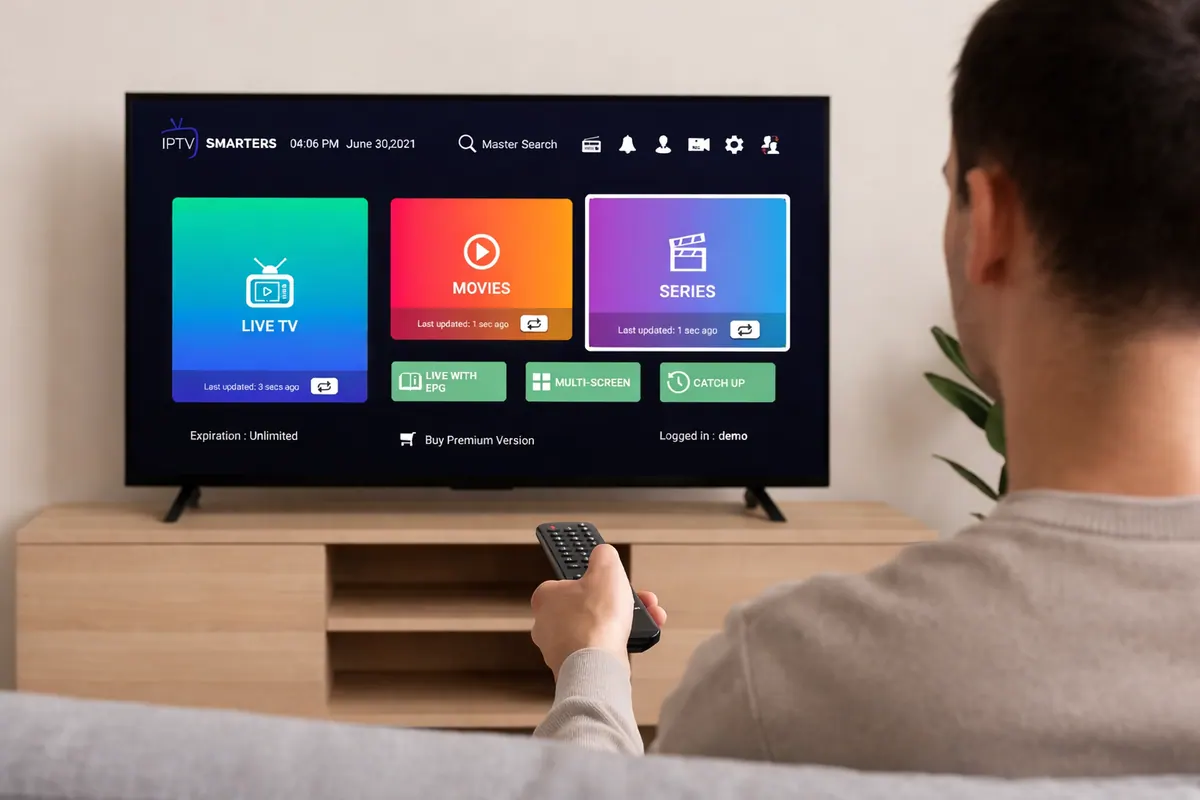
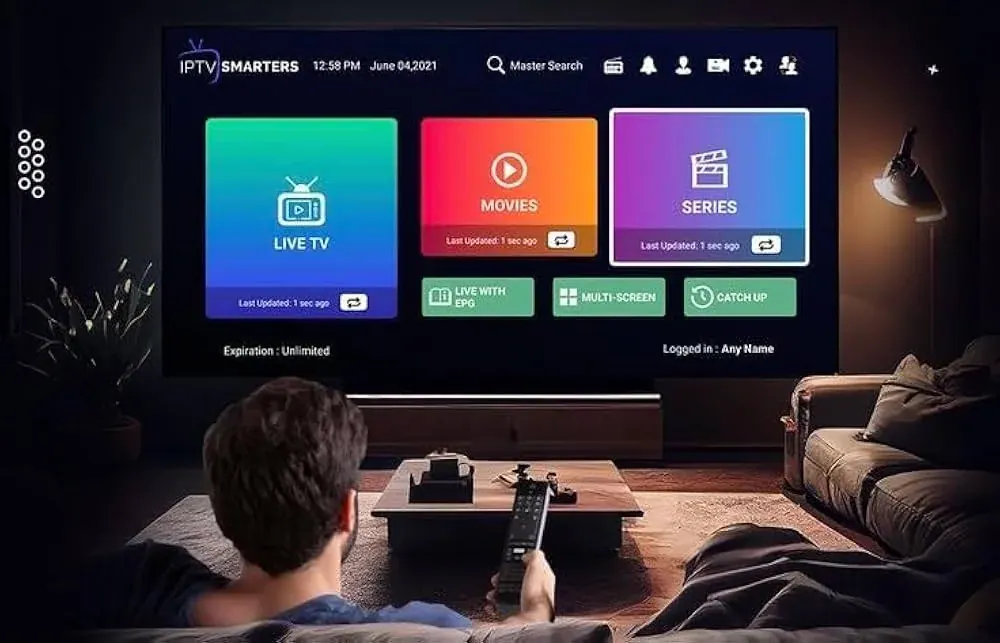
The app downloads your channel list, the program guide and the movie and series catalog. The first load can take a minute. After that, you'll see the main menu with Live TV, Movies and Series.
If IPTV Smarters Pro isn't in your Samsung app store
Availability changes by country, TV model and year, and app listings come and go. If you can't find it, you still have good options on the same TV:
| Option | How it works | Notes |
|---|---|---|
| IBO Player Pro | Install from the Samsung store, send us the MAC address and device key shown on screen, we add your playlist | Charges its own activation fee after a trial |
| Other players in the store | Several IPTV players support M3U links | Features and prices vary; ask us before paying for one |
| A streaming stick | Plug a Fire TV Stick 4K Max into the Samsung TV's HDMI port | Gives you TiviMate and the full Smarters app; see our Fire TV Stick guide |
Honestly, if your Samsung TV is more than five or six years old, a Fire TV Stick is often the smoother route. Older TV processors struggle with big channel lists and 4K streams.
Best settings for IPTV Smarters Pro on Samsung TV
- EPG time format: set it to your local time zone so program times match what's on.
- Player selection: if a channel stutters, try switching the player in Settings › Player Selection.
- Stream format: some Smarters versions let you choose between MPEG-TS and HLS. If one buffers, try the other.
- Parental control: set a PIN and lock categories you don't want the kids browsing.
- Favorites: press and hold on a channel to add it; your list appears at the top of Live TV.
Fixing common problems
"Invalid username or password": the most common cause is a typo in the server URL. It usually starts with http:// and may include a port number like :8080. Check for spaces at the end.
Channels load but won't play: restart the TV completely (hold the power button until the Samsung logo appears), then try again. If only one channel fails, send us its name.
Buffering: Samsung TVs connected by Wi-Fi at the far end of the house often struggle. Use an Ethernet cable if the TV has a LAN port, or switch to the FHD version of the channel.
The app is slow: clear its data under Settings › Support › Device Care › Manage Storage, then log in again.
Samsung's own support site has model-specific help for updates and network settings if your TV behaves differently.
Is IPTV Smarters Pro on Samsung TV the best choice?
Running IPTV Smarters Pro on Samsung TV is a great option when it's available: no extra device, a familiar layout and a remote you already own. The trade-offs are that TV processors are slower than a good streaming stick and that app availability can change after TV updates. If you mostly watch live channels with a grid guide, TiviMate on a Fire TV Stick or Google TV device is a step up. See our TiviMate guide.
Quick answers
Does IPTV Smarters Pro cost anything on Samsung?
The app itself has been free to install in the regions where it's listed. You need an IPTV subscription for the content.
Can I use the same login on my phone?
Yes. Install IPTV Smarters Pro or Smarters Player Lite on your phone and use the same details. Each of our plans streams on one device at a time.
Will it work on a Samsung Frame or QLED?
Yes, as long as the TV runs a recent version of Tizen and the app is listed in your region.
Which Samsung TVs work best with IPTV Smarters Pro?
Not every Samsung TV handles IPTV equally well. The app runs on the TV's own processor, and a big channel list plus a 4K stream asks a lot of older chips. Here's what we see in practice when customers install IPTV Smarters Pro on Samsung TV models from different years:
| Samsung TV age | What to expect | Our tip |
|---|---|---|
| 2022 and newer (Neo QLED, QLED, Crystal UHD) | Fast menus, smooth HD and 4K | Use the built-in app with Ethernet if possible |
| 2019 to 2021 | Good for HD; 4K fine on a strong connection | Keep the TV updated and clear app data now and then |
| 2017 to 2018 | Works, but menus can feel slow with large playlists | Hide unused groups, or add a Fire TV Stick |
| 2016 and older | App often unavailable or unstable | A streaming stick is the better route |
If you're not sure what year your TV is, go to Settings › Support › About This TV. The model code tells you the series and year.
Samsung TV settings that improve IPTV playback
A few Samsung menu settings make a noticeable difference once IPTV Smarters Pro is running:
- Picture Mode: choose Movie or Filmmaker Mode for natural colors. Dynamic looks harsh on sports.
- Auto Motion Plus: set it to Custom with low blur reduction for sports, or Off for movies to avoid the "soap opera" look.
- Game Mode: keep it off for IPTV. It reduces image processing that helps TV broadcasts look good.
- Network: Settings › General › Network › Network Status shows whether the TV is on Wi-Fi or cable. If it's Wi-Fi, check that it's on your 5 GHz network.
- Auto Power Off: if the TV turns itself off during long games, check Settings › General › Eco Solution.
These settings don't affect the stream itself, but they change how the picture looks on your Samsung panel, and they're the first things we check when someone says "the channel looks worse than on cable."
A typical first evening with IPTV Smarters Pro on Samsung TV
Here's how setup usually goes for the customers we help. After the order, the login arrives on WhatsApp. They open the Samsung app store, install the app, and paste the details (many use their phone's SmartThings app to type faster). The channel list loads in about a minute. Then they spend five minutes on the parts that make it feel like home: favorites for the local news and the sports channels they follow, the guide set to their time zone, and a PIN on the categories the kids shouldn't browse. From then on, the TV turns on, they open the app from the Home bar, and they're watching in a couple of clicks.
Keeping IPTV Smarters Pro on Samsung TV running smoothly
Samsung TVs update their software in the background, and occasionally an update changes how apps behave. If the app suddenly stops opening or loses your login after an update, clear its data under Device Care, log in again and restart the TV. Keep your login details saved on your phone so this takes two minutes instead of a search through old messages.
Get your login
Need a service to use with IPTV Smarters Pro on Samsung TV? Compare our IPTV subscriptions, starting with a 3-month plan if you're new, and we'll walk you through the setup on WhatsApp. For other devices, see our full IPTV installation guide.