
How to Do IPTV Recharge: Renew Your Plan Without Losing Your Setup
On this page
- How IPTV recharge works with IPTV Subscriber
- How to check when your plan expires
- IPTV recharge prices
- Recharge early or wait until it expires?
- Paying safely for an IPTV recharge
- What if your login changes?
- IPTV recharge vs. buying a new account
- What to do if your plan expired during a game
- Signs your IPTV recharge went through
- More questions about IPTV recharge
- Our IPTV recharge promise
- Understanding your plan dates
- Switching plan length at recharge: an example
- Keeping simple records
- Signs it's time to recharge
- Why we don't auto-renew
- Recharging for two TVs
- Quick answers about IPTV recharge
- Next steps
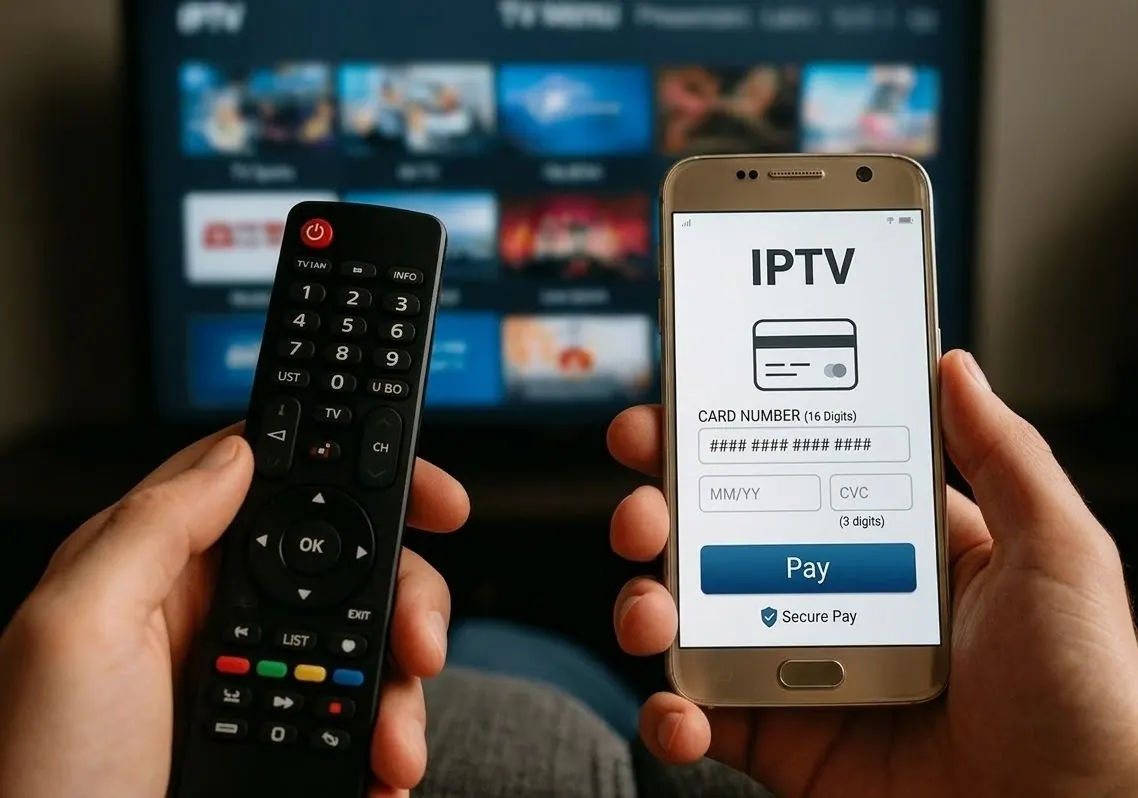
An IPTV recharge is simply renewing your plan before (or after) it runs out. Some providers call it a renewal, others a top-up; the idea is the same. Done right, it takes two minutes and you keep everything: the same login, the same apps and the same favorites. Done wrong, you end up with a new account, a blank channel list and an evening spent re-entering details. This guide explains how an IPTV recharge works with us, how to check when your plan ends, and how to renew safely.
How IPTV recharge works with IPTV Subscriber
Our plans never renew automatically. You pay once for 3, 6, 12 or 24 months, and when the plan ends, it simply stops. To continue, you do an IPTV recharge:
- Message us on WhatsApp a few days before your end date and tell us which plan you want next.
- We confirm the price and send the payment options.
- After payment, we extend your current account. In most cases your username, password and server URL stay the same.
- Nothing changes on your TV. Your app keeps working with the same favorites and settings.
You can also switch plan length at recharge time, for example from 3 months to 12 months.
How to check when your plan expires
| App | Where to see the expiration date |
|---|---|
| IPTV Smarters Pro | Bottom of the home screen ("Expiration") |
| TiviMate | Settings › Playlists › select the playlist › Account info |
| XCIPTV | Account or profile section in settings |
| IBO Player | Ask us; the IBO app shows its own app activation date, not your plan date |
Tip: set a reminder on your phone for one week before the date. It's the easiest way to avoid a blank screen on game day.
IPTV recharge prices
A recharge costs the same as a new plan of the same length. Here are the current prices for one device:
Longer plans cost less per month, so recharge time is a good moment to move up if you're happy with the service.
Recharge early or wait until it expires?
Early is better. Recharging a few days before the end date avoids any gap. If your plan has already expired, don't worry: message us and we'll reactivate it, usually on the same login. The only difference is that you may be without TV for a short while in between.
Paying safely for an IPTV recharge
- Confirm the plan and price in writing before paying.
- Never type your full card number into a chat. We will never ask you to.
- Only pay the contact you already know. If someone else messages you offering a "cheaper recharge" for your account, ignore it.
- Keep your confirmation until the renewal is active.
The FTC's guide to avoiding scams is a good checklist for any online payment.
What if your login changes?
In rare cases (for example a server move), a recharge comes with new details. If that happens, we'll tell you exactly what to update. In TiviMate you edit the existing playlist; in IPTV Smarters Pro you add a new user. See our guide on how to add an IPTV playlist for each app.
IPTV recharge vs. buying a new account
Some people buy a brand-new plan instead of recharging, and end up redoing their whole setup. Here's the difference:
| IPTV recharge | New account | |
|---|---|---|
| Login | Usually stays the same | New username and password |
| Favorites and settings | Kept | Need to be rebuilt |
| Setup time | None | 5 to 15 minutes per device |
| Price | Same as a new plan | Same |
Unless you want a fresh start, a recharge is always the easier choice.
What to do if your plan expired during a game
It happens: the plan ends on a Sunday and the screen goes blank at halftime. Don't reinstall anything. Message us on WhatsApp with "recharge" and your username. We confirm the plan and price, you pay, and we reactivate the same account. Then close and reopen your IPTV app (or restart the device) so it reconnects. In most cases you're back before the second half.
Signs your IPTV recharge went through
- The expiration date in your app shows the new date after a refresh.
- Channels play again without an "account expired" message.
- You've received a confirmation from us in the chat.
If the app still shows the old date, refresh the playlist or restart the app; some players only update account info when they reconnect.
More questions about IPTV recharge
How early can I recharge?
Any time before your plan ends. The new period is added to your account, so recharging early does not waste days.
Can I recharge for someone else, like a parent?
Yes. Send us their username and the plan you want, and we will extend their account after payment.
What if I forgot my username?
Open your IPTV app: most show the account name in settings or on the home screen. Or send us the WhatsApp number you ordered with and we will find it.
Do prices change at recharge?
You pay the current plan price at the time of recharge, and we confirm it in the chat before you pay.
Can I pause my plan instead of recharging?
Plans run on calendar time and cannot be paused. If you are away for a while, simply recharge when you are back.
What happens to my favorites if I switch devices at recharge?
Favorites are saved in the app on each device. A new device means setting favorites again, which takes a few minutes.
Our IPTV recharge promise
- No automatic charges, ever.
- The price is confirmed before you pay.
- Your login stays the same whenever possible.
- If something changes on our side, we tell you exactly what to update.
Understanding your plan dates
Plan periods run on calendar time from the moment your account is activated or extended. Your app may show the expiration in a different time zone from yours, so a plan that "ends on the 15th" might stop in the late evening of the 14th on the West Coast. That's another reason to recharge a few days early rather than on the last day.
Switching plan length at recharge: an example
Say you started with a 3-month plan to test the service. A week before it ends, you message us and ask to move to 12 months. We confirm the $65 price, you pay, and the extra year is added to your current account. Your favorites, apps and settings stay exactly as they are. Nothing about your TV changes except the date in the app, and you now pay $5.42 a month instead of the short-plan rate.
Keeping simple records
Save the confirmation message from each IPTV recharge in the chat, and note the new end date in your phone's calendar. If you ever need help, having your username and last renewal date handy makes it quick.
Signs it's time to recharge
- Your app shows an expiration date within the next week.
- You've received a reminder from us on WhatsApp.
- A big game, holiday or family visit is coming up and you don't want any risk of a gap.
Why we don't auto-renew
Automatic renewals are convenient for sellers, but they're also how many people end up paying for services they forgot about. We prefer that you decide each time. The trade-off is that you need to remember your end date, which is why we suggest a calendar reminder and why we're happy to message you before your plan ends if you ask us to. When the time comes, an IPTV recharge is one short conversation.
If you manage IPTV for several people, such as your own home plus a parent's TV, keep a short list with each username, plan length and end date. Recharging becomes a quick monthly check instead of a surprise when someone calls to say their TV stopped working. We can also send reminders to each account holder if you ask, so nobody in the family is caught off guard on game day or during a holiday weekend. A shared family calendar works well for this too.
Recharging for two TVs
If your household has two plans (for two TVs playing at once), each plan has its own end date. Many families align them at recharge time so both renew together. Just ask us when you message.
Quick answers about IPTV recharge
Will I lose my favorites after an IPTV recharge?
No. Favorites are saved in your app. As long as the login stays the same (which it usually does), everything stays in place.
Is there a recharge fee?
No. You pay only the plan price.
Can I recharge for a longer plan?
Yes. Choose any plan length when you renew.
Next steps
An IPTV recharge with us is one WhatsApp message and a couple of minutes. Want to compare plans first? See all IPTV subscriptions. New to IPTV? Read our guide on how to purchase IPTV safely, or browse the full IPTV installation guide.