
How to Watch IPTV on VLC (Windows, Mac, iPhone and Android)
On this page
- What you need to watch IPTV on VLC
- How to watch IPTV on VLC on Windows
- How to watch IPTV on VLC on a Mac
- IPTV on VLC for iPhone and iPad
- IPTV on VLC for Android
- VLC vs. dedicated IPTV apps
- Fixing common VLC errors
- Organizing channels when you watch IPTV on VLC
- Recommended VLC settings for IPTV
- When IPTV on VLC is the right choice
- More questions about IPTV on VLC
- A 60-second test with IPTV on VLC
- IPTV on VLC for Linux users
- Keeping your playlist link private
- VLC keyboard shortcuts for IPTV
- Updating VLC
- Casting from VLC to a TV
- Quick answers about IPTV on VLC
- Next steps
Watching IPTV on VLC is the quickest way to test a playlist on a computer, and it costs nothing. VLC Media Player is free, runs on Windows, Mac, Linux, iPhone and Android, and plays almost any stream you throw at it. It isn't a full IPTV app (there's no grid TV guide or catch-up), but for watching a game on your laptop or checking that your login works, it's hard to beat. This guide shows how to set it up on every platform and how to fix the errors people run into.
What you need to watch IPTV on VLC
- VLC Media Player, downloaded from the official VideoLAN website or your phone's app store.
- Your M3U link. VLC doesn't support Xtream Codes logins, so you'll use the M3U link we send with your order.
- A steady connection. The FCC broadband speed guide lists about 25 Mbps for 4K; HD needs much less.
How to watch IPTV on VLC on Windows
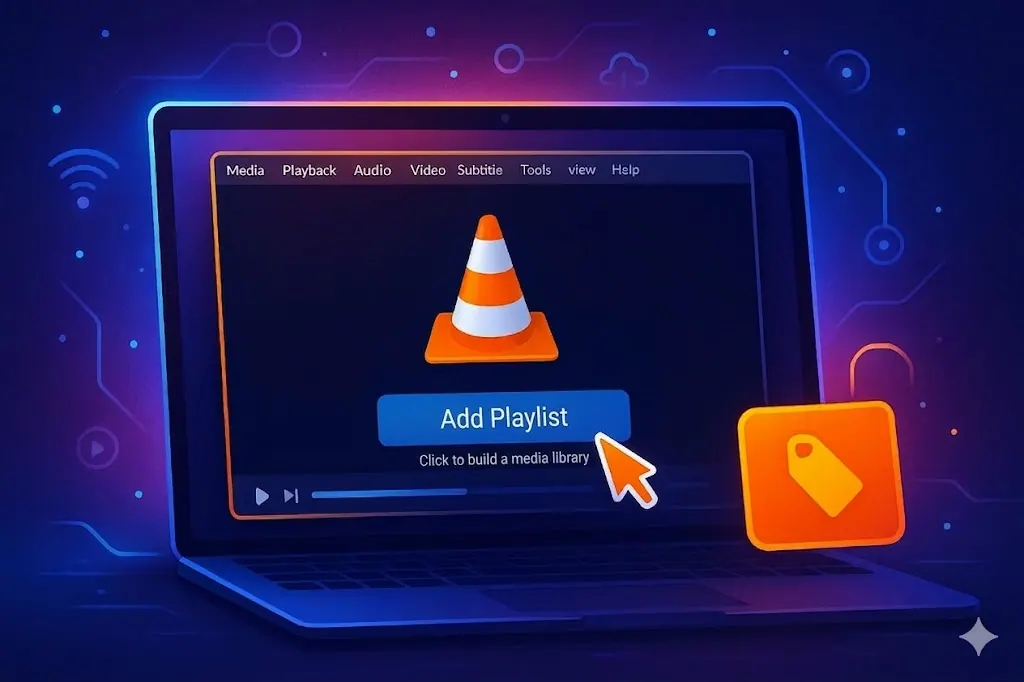
- Open VLC and select Media › Open Network Stream (or press Ctrl + N).
- Paste your M3U link into the network URL box.
- Select Play. VLC loads the playlist and starts the first channel.
- Press Ctrl + L to open the playlist and double-click any channel.
Tip: to open the list faster next time, go to Media › Save Playlist to File and save it as an .m3u file on your desktop.
How to watch IPTV on VLC on a Mac
- Open VLC and choose File › Open Network (Cmd + N).
- Paste the M3U link and click Open.
- Open Window › Playlist to browse and switch channels.
IPTV on VLC for iPhone and iPad
- Install VLC for Mobile from the App Store.
- Open it, tap Network, then Open Network Stream.
- Paste the M3U link and tap Open Network Stream.
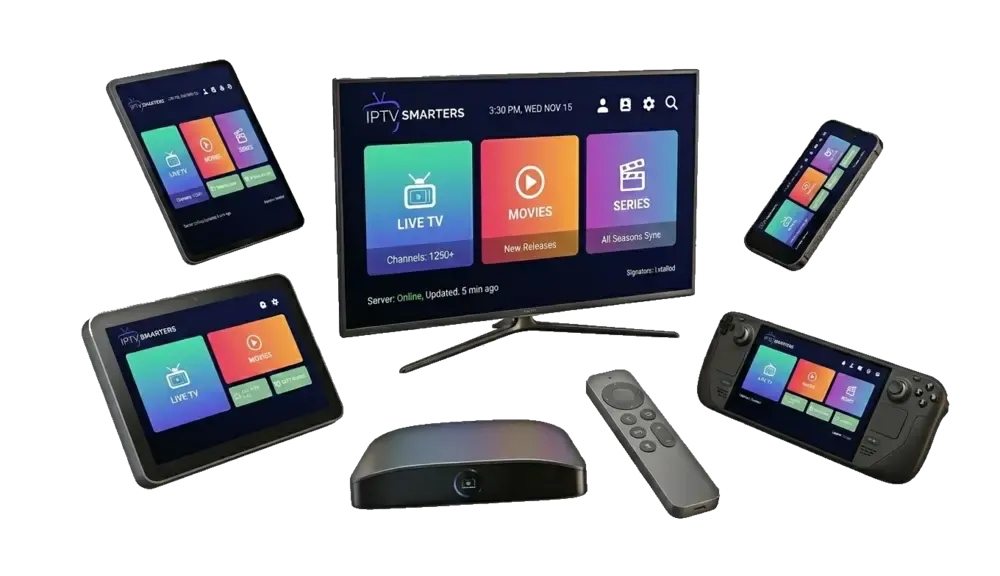
For regular use on an iPhone, a dedicated IPTV app with a TV guide (like Smarters Player Lite) is more comfortable, but VLC is great for a quick test.
IPTV on VLC for Android
- Install VLC for Android from Google Play.
- Tap More › New stream.
- Paste your M3U link and tap the arrow to start.
VLC vs. dedicated IPTV apps
| Feature | VLC | IPTV Smarters Pro / TiviMate |
|---|---|---|
| Price | Free | Free or paid upgrade |
| TV guide (EPG) | No | Yes |
| Movies and series sections | No, one long list | Yes |
| Favorites | Via saved playlists | Built in |
| Plays unusual formats | Excellent | Good |
Many people keep VLC as a backup player: if a stream won't play in their main app, they test it in VLC to see whether the problem is the app or the stream.
Fixing common VLC errors
"Your input can't be opened": the link is incomplete or has a typo. Copy it again, including everything after the question mark.
The list loads, but channels won't start: try another channel. If none work, restart VLC and your router, and check that your plan is active.
Buffering: go to Tools › Preferences, select Show settings: All, open Input / Codecs and raise Network caching to 3000 ms. A larger buffer smooths out short drops.
Choppy 4K on an older laptop: turn on hardware-accelerated decoding under Input / Codecs, or pick the FHD version of the channel.
No sound: check Audio › Audio Track; some channels offer several tracks.
Organizing channels when you watch IPTV on VLC
VLC shows your whole playlist as one long list, which can be overwhelming. A few habits make it much easier to use:
- Use the search box at the top of the playlist window to filter channels by name.
- Make a short playlist of favorites. Select the channels you watch, right-click and use Save Playlist to File to create a small .m3u with just those.
- Sort by title by clicking the column header in the playlist view.
- Turn on "Media Library" view if you'd rather browse by folders and groups on some platforms.
Recommended VLC settings for IPTV
| Setting | Where | Suggested value |
|---|---|---|
| Network caching | Preferences › All › Input / Codecs | 1500 to 3000 ms |
| Hardware decoding | Preferences › Input / Codecs | Automatic |
| Deinterlace | Video › Deinterlace | Automatic (helps some live channels) |
| Audio output | Preferences › Audio | Default device |
| Always on top | Video menu | Handy for watching a game while you work |
When IPTV on VLC is the right choice
VLC shines in a few situations: checking that a new login works, watching on a work laptop where you can't install much, playing a channel that another app struggles with, and quick viewing on a computer in a hotel room. For the living room TV, a dedicated app with a TV guide is more comfortable. Many of our customers keep both: their main app on the TV, and IPTV on VLC as a reliable backup on the laptop.
More questions about IPTV on VLC
Why does VLC show thousands of entries?
Your M3U playlist includes live channels and, sometimes, on-demand titles in one list. Use the search box or save a smaller favorites playlist to keep it manageable.
Can I use VLC on a smart TV?
VLC is available on Android TV and Fire TV, and it plays M3U links there too. It still has no TV guide, so a dedicated IPTV app is more comfortable on a TV.
Does VLC support catch-up?
No. Catch-up needs an app that understands your provider's Xtream Codes login, such as TiviMate or IPTV Smarters Pro.
Why does the picture freeze while the sound continues?
This is usually a decoding issue. Toggle hardware decoding in VLC's settings, or try the HD version of the channel.
Is VLC good for watching sports?
Yes, on a computer. Raise network caching slightly to avoid short freezes during busy games, and keep the laptop plugged in.
Can I open the playlist from a file instead of a link?
Yes. Save the M3U file and use Media › Open File. Links are better, though, because they always load the latest version of your list.
A 60-second test with IPTV on VLC
Just received your login and want to check it before setting up the TV? Open VLC on any computer, paste the M3U link into Open Network Stream, and play two or three channels you care about. If they play, your login and connection are fine, and any later problem on the TV is about the app or device settings. It's the quickest troubleshooting step we know, and it's why we mention VLC to almost every new customer.
IPTV on VLC for Linux users
VLC is available in most Linux distributions' software centers and as a Flatpak or Snap package. The steps are the same as on Windows: Media › Open Network Stream, paste the M3U link, and open the playlist with Ctrl + L. On lightweight laptops, enabling hardware decoding makes a big difference for HD streams.
Keeping your playlist link private
Your M3U link contains your username and password, so treat it like a password. Don't paste it into public forums or shared documents, and don't share it with friends: each plan streams on one device at a time, and sharing can interrupt your own viewing. If you think your link has been shared, message us and we'll help you secure your account. When you save a playlist file on a shared family computer, store it in your own user folder rather than on the desktop.
VLC keyboard shortcuts for IPTV
| Shortcut (Windows) | Action |
|---|---|
| Ctrl + N | Open a network stream |
| Ctrl + L | Show or hide the playlist |
| N / P | Next or previous channel in the playlist |
| F | Full screen |
| Space | Pause and resume |
| Ctrl + Up / Down | Volume |
On a Mac, use Cmd instead of Ctrl. Learning N and P alone makes IPTV on VLC feel much more like flipping channels on a TV.
Updating VLC
VLC updates fix bugs and add support for new video formats, and an outdated version is a common reason a stream refuses to play. On Windows and Mac, use Help › Check for Updates (or VLC › Check for Update on Mac). On phones, updates arrive through the App Store or Google Play. After a major update, your settings such as network caching usually stay in place, but it's worth a quick check if playback behaves differently.
Casting from VLC to a TV
VLC on desktop and Android can send video to a Chromecast: use Playback › Renderer and pick your device. It works, but for everyday TV viewing a streaming stick with a real IPTV app gives a better experience. See our Fire TV Stick guide.
Quick answers about IPTV on VLC
Is VLC safe?
Yes, when you download it from VideoLAN's official site or the official app stores. Avoid "VLC" downloads from other websites.
Can VLC show the TV guide?
No. VLC plays streams but doesn't display an EPG. Use TiviMate, IPTV Smarters Pro or Kodi if you need the guide.
Can I record with VLC?
VLC has a basic record button in its advanced controls, which saves what you're watching to your computer.
Next steps
IPTV on VLC is the fastest way to confirm your playlist works on a computer. For the full experience on your TV, pick a device in our IPTV installation guide, or learn how to add an IPTV playlist in other apps. Need a login? See our IPTV subscriptions.